
Drag-and-Drop Editor for Social Media: A Practical Guide
A drag-and-drop editor lets you build and customize content visually—dragging elements like text, images, and buttons into place instead of writing code. In social media management, that same visual approach is reshaping how teams create posts, design campaign assets, and publish across platforms. This guide explains what a drag-and-drop editor does in a social media context, where it fits in a modern workflow, and how to choose one that supports your team's publishing, engagement, and analytics needs.
What a drag-and-drop editor actually does
At its core, a drag-and-drop editor provides a visual canvas and a sidebar of content blocks. You select a block—such as a title, image, button, or social icon—and drag it onto the canvas. You then edit its settings in a side panel, adjusting text, colors, spacing, and links without touching HTML or CSS.
This pattern is common in website builders and email tools. For example, Wix's drag-and-drop website builder lets users assemble pages from templates and design elements, and Iterable's drag-and-drop editor uses rows and content blocks to build email and in-app templates. MailerLite's drag-and-drop editor similarly offers a block library, inline text editing, and saved custom blocks for newsletters.
In social media management software, the drag-and-drop editor is typically applied to post composition and creative assets: assembling a multi-image post, laying out a carousel, formatting a caption with links, or building a reusable template for recurring campaign posts. The goal is speed and consistency—teams can produce on-brand visuals and copy without a designer for every update.
Why social media teams use a drag-and-drop editor
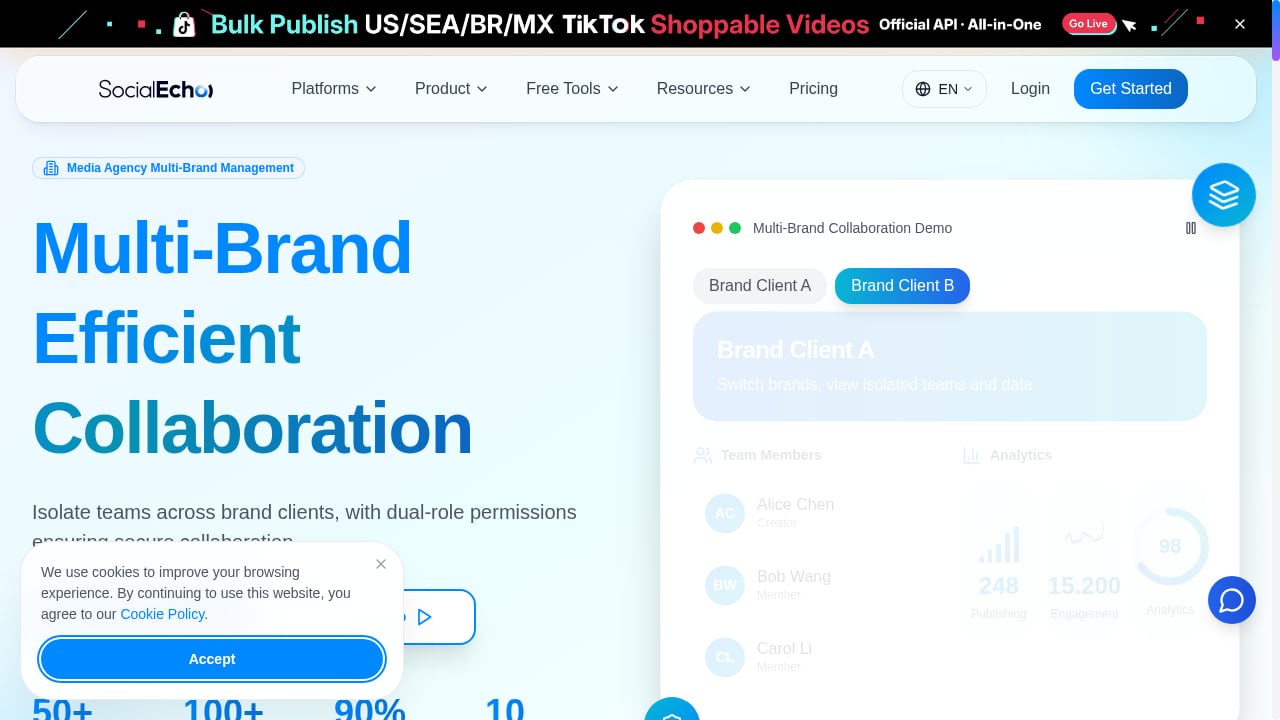
First viewport screenshot of www.socialecho.net.
Speed without sacrificing brand consistency
Social media moves quickly. A drag-and-drop editor reduces the time between an idea and a published post. Teams can save reusable blocks—such as a header with the logo, a standard call-to-action button, or a footer with legal text—and apply them across campaigns. This keeps visual identity consistent even when multiple people create content.
No-code access for non-designers
Community managers, PR leads, and marketing generalists often need to publish without waiting for a design team. A visual editor lowers the barrier: they can adjust layouts, swap images, and format text while staying within approved brand styles. This is especially useful for global teams where local markets need to adapt content quickly.
Mobile-first previews
Most social traffic is mobile. A good drag-and-drop editor includes a mobile preview mode so you can see how a post or template will look on a phone before publishing. Some editors let you hide or reorder blocks specifically for mobile, which helps avoid awkward cropping or unreadable text.
Where the editor fits in a social media workflow
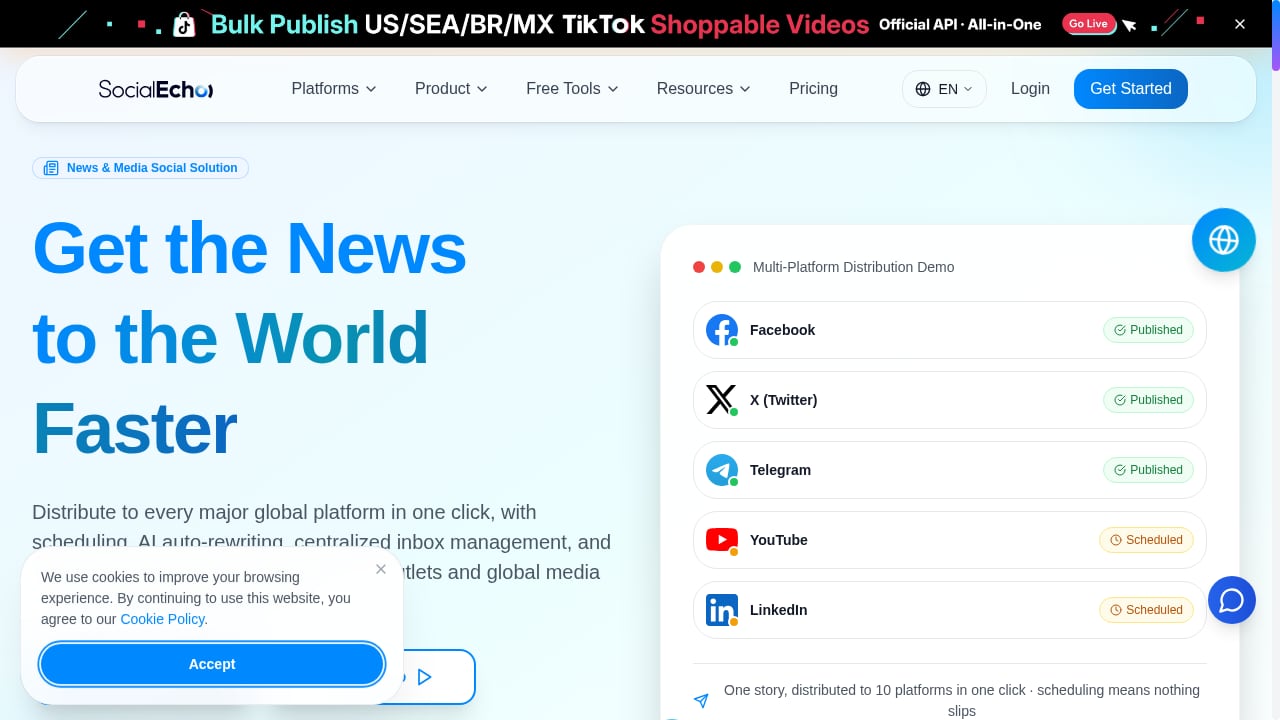
First viewport screenshot of www.socialecho.net.
A drag-and-drop editor is one part of a larger publishing workflow. A typical sequence looks like this:
- Plan the post in a content calendar, assigning owners and dates.
- Create the visual and copy using the drag-and-drop editor, pulling from saved blocks and brand styles.
- Review with stakeholders using preview links and comments.
- Schedule or publish across connected social accounts.
- Engage with comments and messages from a unified inbox.
- Measure performance with analytics and adjust future content.
When the editor is part of an integrated workspace, these steps share the same data. A post created in the editor can be scheduled, tracked, and analyzed without exporting files or copying captions between tools. That reduces errors and gives teams a single source of truth.
Drag-and-drop editor vs. traditional design tools
| Consideration | Drag-and-drop editor in social software | Traditional design tool |
|---|---|---|
| Best for | Fast post assembly, templates, team collaboration | High-fidelity creative work, complex graphics |
| Learning curve | Low; visual and block-based | Moderate to high |
| Brand consistency | Enforced through saved blocks and styles | Depends on individual files and guidelines |
| Publishing integration | Built-in scheduling and analytics | Requires export and manual upload |
| Collaboration | Comments and approvals in the same workflow | Often separate from publishing |
For many social teams, the two complement each other. Designers create master assets in a design tool, and the social team uses a drag-and-drop editor to adapt and publish them quickly.
How SocialEcho supports drag-and-drop publishing and beyond
First viewport screenshot of SocialEcho vs Buffer: Full Comparison on Pricing, Features, and Usability.
SocialEcho - All-in-One Social Media AI Workspace for Global Businesses brings publishing, engagement, social listening, analytics, and AI automation into one workspace. Its drag-and-drop editor is designed for social post composition, so teams can assemble visuals and copy, preview on mobile, and schedule across major platforms without leaving the workspace.
Because the editor sits inside a broader social media management platform, the output connects directly to other workflows. A post created visually can be queued in the content calendar, routed for approval, and tracked in analytics. Engagement—comments, mentions, and messages—flows into the same workspace, so community managers can respond without switching tabs. Social listening feeds can inform what content to create next, and AI automation can help with repetitive tasks like tagging or drafting responses.
For teams that want to extend these workflows, SocialEcho integrates with automation tools. The guide on using SocialEcho with Make for AI social workflows walks through connecting publishing and reporting steps. Teams comparing platforms can also review the SocialEcho vs Loomly vs RecurPost comparison to see how drag-and-drop editing and AI features differ across tools.
Practical examples of drag-and-drop editor use
Example 1: A global product launch
A brand needs to publish a launch announcement across five markets. The central team creates a master post in the drag-and-drop editor with a hero image, headline, and CTA button. Local teams duplicate the post, swap the image and translate the copy, and keep the same layout and brand blocks. Scheduling happens in the same workspace, and analytics are compared by market.
Example 2: A weekly recurring series
A B2B company runs a weekly tips series. The social manager saves a custom block with the series header, footer, and hashtag style. Each week, they drag the saved block into a new post, update the tip text, and schedule it. The editor ensures every post looks consistent without rebuilding the layout.
Example 3: A PR team responding to news
A PR team needs to publish a statement quickly. Using the drag-and-drop editor, they assemble a text-first post with a quote block and a link, preview it on mobile, and route it for approval. Once approved, it publishes to connected accounts, and the team monitors engagement in the same workspace. The PR team leader's social media workflow guide covers this process in more detail.
What to look for in a drag-and-drop editor for social media
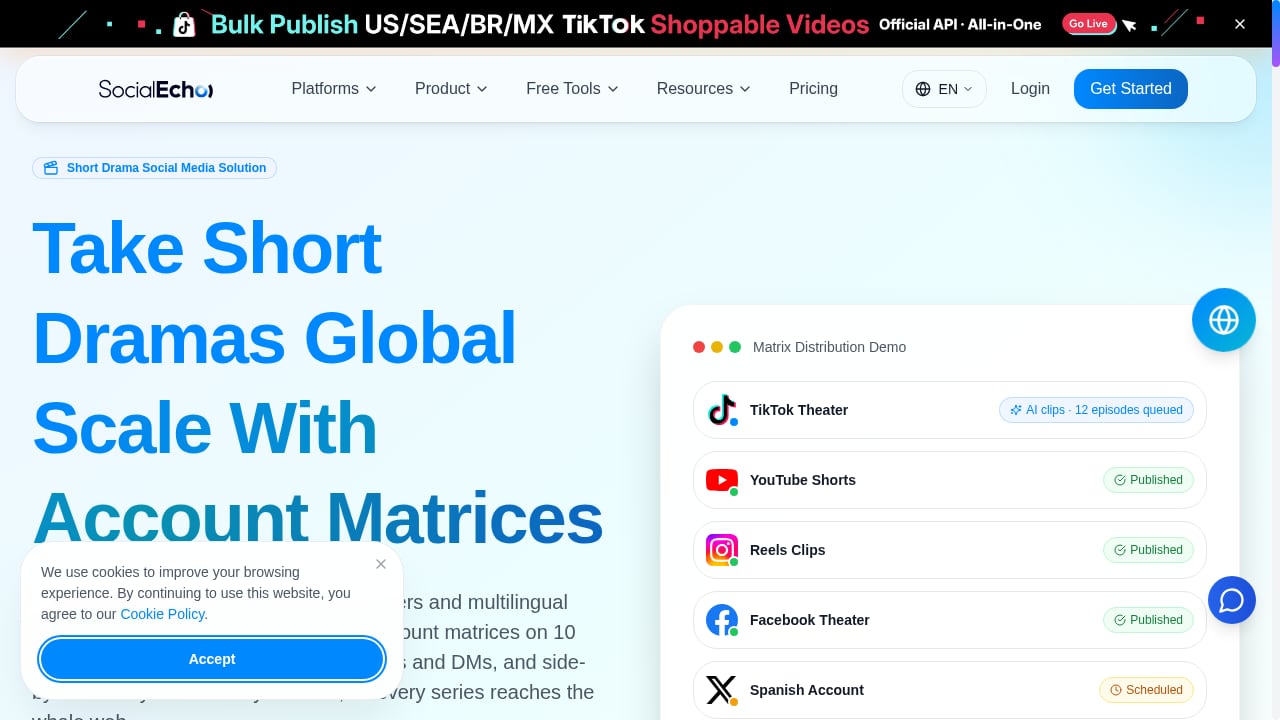
First viewport screenshot of www.socialecho.net.
- Saved blocks and templates to maintain brand consistency and speed up recurring posts.
- Mobile preview and responsive controls so posts look right on phones.
- Multi-platform publishing from the same editor, with per-platform formatting options.
- Approval workflows for teams that need review before publishing.
- Integration with analytics so you can see how edited posts perform.
- AI assistance for drafting copy, suggesting layouts, or generating variants—when it supports your workflow rather than replacing judgment.
Related reading
- Top 10 Autonomous Customer Experience (A-CX) Platforms for 2026 - Discover the top 10 Autonomous Customer Experience (A-CX) platforms for 2026, evaluated on AI autonomy, integration, analytics, and real-world fit.
- SocialEcho vs NapoleonCat: AI Workspace for Global Teams - Compare SocialEcho and NapoleonCat: AI automation, publishing, listening, analytics, and pricing. See which social media workspace fits global businesses.
FAQ
What is a drag-and-drop editor in social media management?
It is a visual tool inside social media software that lets you assemble posts and creative assets by dragging content blocks—text, images, buttons—onto a canvas, then editing them without code. It is used to speed up post creation and keep branding consistent.
Do I need design skills to use a drag-and-drop editor?
No. Most drag-and-drop editors are built for non-designers. You choose from pre-built blocks and templates, then customize text, images, and colors. Design skills help with advanced layouts, but basic publishing is accessible to anyone.
Can a drag-and-drop editor publish directly to social platforms?
In social media management software, yes. The editor is usually connected to scheduling and publishing tools, so you can create a post visually and schedule it to multiple accounts from the same workspace. Standalone editors may require exporting and uploading manually.
How does a drag-and-drop editor help global teams?
It provides a shared visual system. Central teams create master templates and saved blocks, and local teams adapt them for language and culture while keeping layout and brand elements consistent. This reduces back-and-forth and speeds up localization.
Is a drag-and-drop editor enough for social media management?
It is one component. A complete workflow also needs scheduling, engagement tools, social listening, analytics, and collaboration features. Choosing an all-in-one workspace can reduce tool switching and keep data connected.
Conclusion
A drag-and-drop editor is a practical way to produce social media content faster while keeping brand consistency. It removes the coding barrier, supports mobile-first previews, and fits naturally into a publishing workflow. For teams managing multiple platforms and markets, the editor is most valuable when it is part of an integrated workspace that connects creation, scheduling, engagement, listening, and analytics. SocialEcho's AI workspace is built around that connected approach, so teams can move from idea to published post—and from post to insight—without leaving the platform.