
How to Use SocialEcho with HubSpot: A Practical Workflow
Social media teams often face a split workflow: one tool for creating and publishing content, another for managing customer relationships. SocialEcho excels at the former—AI-powered content creation, multi-platform publishing, unified inbox, and social listening. HubSpot excels at the latter—CRM, contact management, and marketing automation. Combining them lets you execute social media efficiently while capturing every interaction as part of the customer journey.
This article explains how SocialEcho and HubSpot complement each other, walks through setup steps, and shows practical examples of the combined workflow.
Why Combine SocialEcho and HubSpot?

First viewport screenshot of socialecho.cn.
SocialEcho is built for social media operations: it generates content with AI, publishes to up to 10 platforms, auto-replies to comments and DMs, and tracks competitor performance. HubSpot is an agentic customer platform that unifies marketing, sales, and service around a shared CRM. Used together, SocialEcho handles the social execution layer, while HubSpot provides the customer context and follow-up automation.
- SocialEcho shines at high-volume, multi-account social publishing and engagement. It reduces manual work with AI generation and auto-replies.
- HubSpot shines at turning social interactions into trackable leads and customers. It links social activity to contact records, deals, and campaigns.
The combination solves a common problem: social teams generate engagement but struggle to connect it to revenue. By syncing data between the two, you can attribute social efforts to pipeline and personalize follow-ups.
Key Integration Points
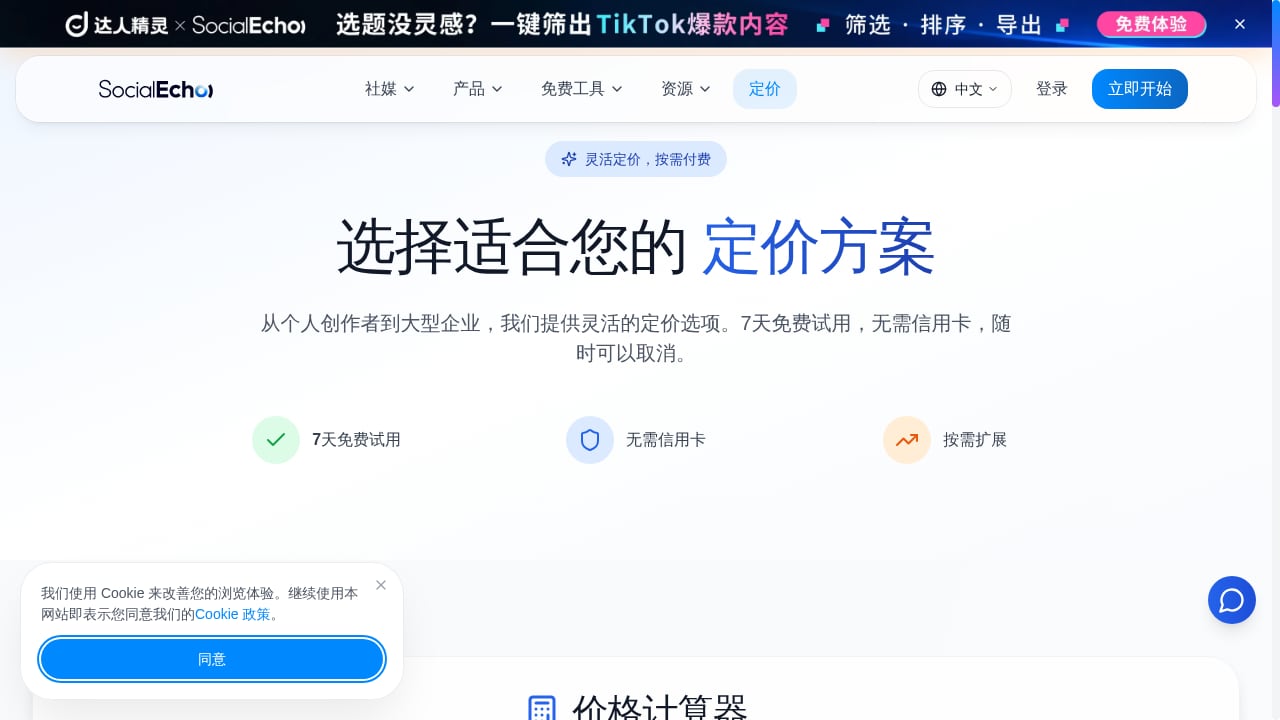
First viewport screenshot of socialecho.cn.
SocialEcho and HubSpot don't have a native one-click integration, but you can connect them through several practical methods:
- UTM parameters and landing pages: Use HubSpot to create landing pages with UTM-tagged links. Share these links in SocialEcho posts to track traffic and conversions in HubSpot.
- Contact creation from social interactions: Export leads captured via SocialEcho (e.g., from DM conversations or comment forms) and import them into HubSpot, or use automation tools like Zapier to sync in real time.
- Social listening to CRM enrichment: Monitor brand mentions and competitor keywords in SocialEcho, then log insights as notes or tasks on HubSpot contact records.
- Campaign reporting: Combine SocialEcho's engagement metrics with HubSpot's attribution reports to measure the full funnel.
Step-by-Step Setup
Step 1: Define Your Goals and Data Flow
Decide what you want to achieve: lead capture, customer support, brand monitoring, or all three. Map which social interactions should create or update HubSpot records. For example, a DM asking about pricing might become a HubSpot contact with a lead status.
Step 2: Prepare HubSpot
In HubSpot, create custom properties if needed (e.g., "Social Source" or "Last Social Interaction"). Set up landing pages or forms for social campaigns, and ensure your CRM has clear lifecycle stages. If you plan to use automation, install Zapier or HubSpot's operations hub to connect with SocialEcho.
Step 3: Configure SocialEcho
Connect your social accounts to SocialEcho via official APIs. Set up AI auto-replies for common questions, and create saved replies for scenarios that require human follow-up. Use SocialEcho's unified inbox to manage comments and DMs across platforms. For listening, set up keyword monitors for your brand and competitors.
Step 4: Build the Bridge
If using Zapier, create a Zap that triggers when a new contact is added in SocialEcho (or when a specific tag is applied) and creates a contact in HubSpot. Alternatively, schedule regular exports from SocialEcho and imports into HubSpot. For link tracking, generate UTM-tagged URLs in HubSpot and use them in SocialEcho posts.
Step 5: Test and Refine
Run a small campaign to test the flow. Verify that social interactions appear in HubSpot, that UTM parameters are captured, and that auto-replies don't conflict with CRM follow-ups. Adjust your automation rules based on results.
Practical Examples
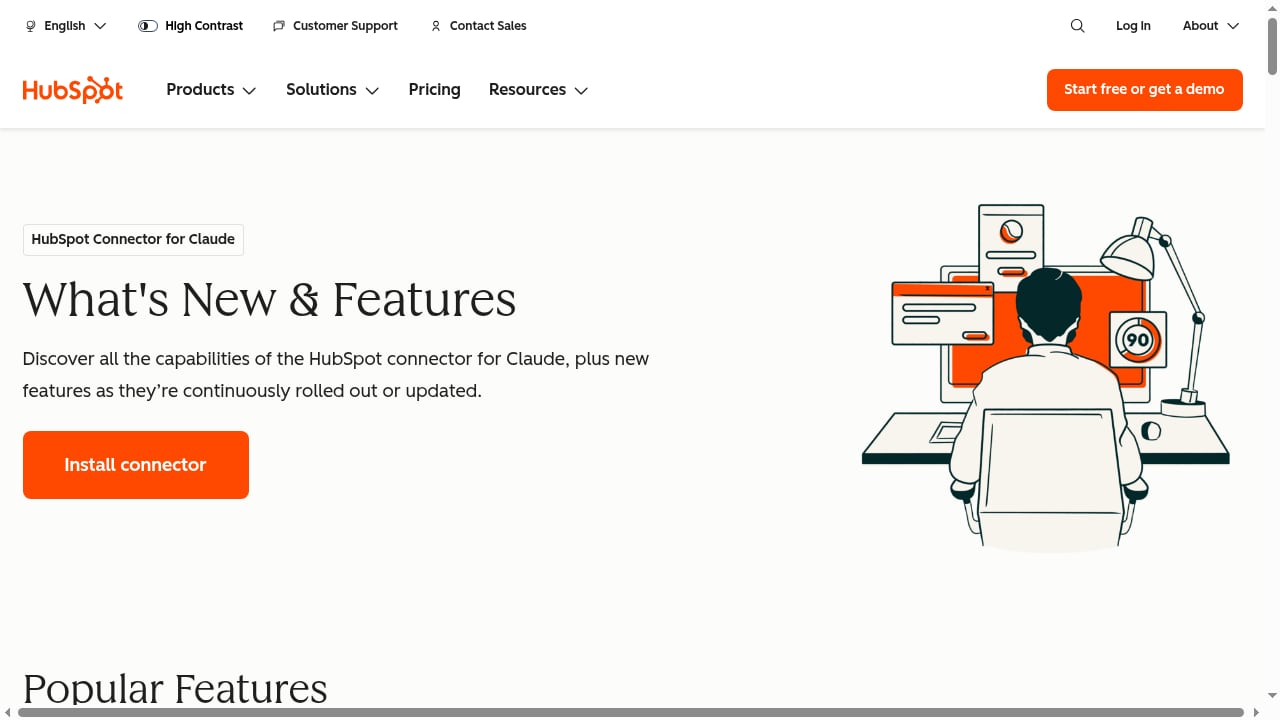
First viewport screenshot of www.hubspot.com.
Example 1: E-commerce Product Launch
A cross-border e-commerce brand uses SocialEcho to generate video ads and captions for a new product, publishing to TikTok, Instagram, and Facebook. Each post includes a UTM-tagged link to a HubSpot landing page. When users submit a form, HubSpot creates a contact and triggers a welcome email. SocialEcho's auto-replies handle common questions in comments, while complex inquiries are flagged for the sales team, who see the contact's social history in HubSpot.
Example 2: B2B Lead Generation
A SaaS company uses SocialEcho to monitor LinkedIn and X for keywords related to its solution. When a potential lead posts a question, the social team engages via SocialEcho and tags the interaction. A Zapier automation creates a HubSpot contact with the social post as the source. HubSpot then assigns a sales rep and enrolls the contact in a nurture sequence.
Example 3: Customer Support Escalation
A media company receives a high volume of DMs across platforms. SocialEcho's AI auto-replies handle FAQs, but when a message contains sentiment like "refund" or "complaint," it's routed to a human. The agent resolves the issue and logs it in HubSpot as a ticket, linking the conversation to the customer's record for future reference.
Comparison: When to Use Which Tool Alone
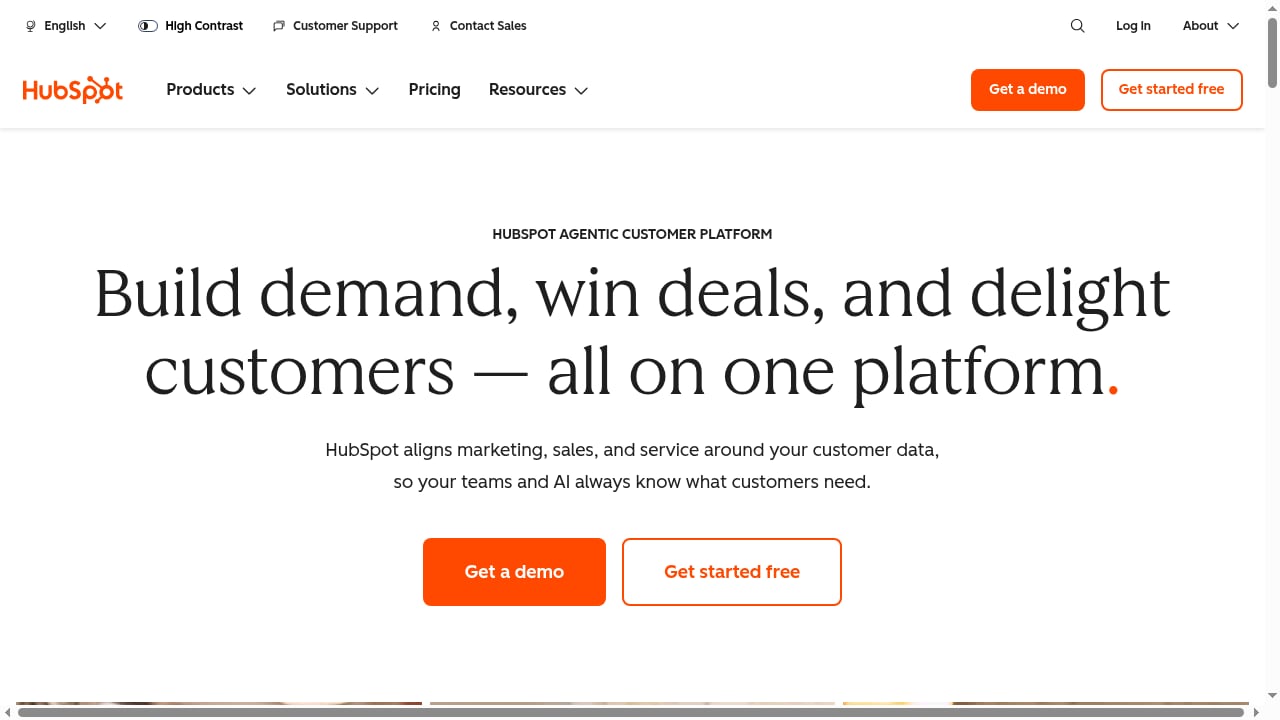
First viewport screenshot of www.hubspot.com.
| Scenario | SocialEcho Alone | HubSpot Alone | Combined |
|---|---|---|---|
| High-volume multi-platform publishing | ✔️ Best | Limited platforms | ✔️ SocialEcho publishes, HubSpot tracks |
| Lead capture from social | Manual export | ✔️ Native forms | ✔️ Automated sync |
| Social listening and engagement | ✔️ AI-powered | Basic monitoring | ✔️ Listening + CRM context |
| Full-funnel attribution | Limited | ✔️ Strong | ✔️ End-to-end view |
If your primary need is social execution, SocialEcho alone may suffice. If you need deep CRM integration and marketing automation, HubSpot alone is powerful. The combination is ideal for teams that want both efficiency and customer intelligence.
Related reading
- Rival IQ Review: Competitive Social Analytics That Deliver - Evidence-based Rival IQ review: competitive social analytics, use cases, strengths, limitations, pricing signals, setup, and decision criteria for 2026.
- Social Media Management Platform: Smart Loomly Alternatives - Explore top Loomly alternatives and see how SocialEcho's AI workspace unifies publishing, engagement, listening, and analytics for global teams.
Frequently Asked Questions
Does SocialEcho have a native HubSpot integration?
Not currently. However, you can connect them using Zapier, Make, or manual exports. Many teams use UTM tracking and form submissions to link social activity to HubSpot contacts.
Can I sync social media leads from SocialEcho to HubSpot automatically?
Yes, via automation platforms like Zapier. You can trigger a contact creation in HubSpot when a new lead is tagged in SocialEcho.
How do I track social media ROI with this setup?
Use UTM parameters on links in SocialEcho posts and create corresponding landing pages in HubSpot. HubSpot's attribution reports will show which social channels drive conversions.
Is this combination suitable for small teams?
Absolutely. SocialEcho's free tier and low-cost plans make it accessible, and HubSpot offers free tools and Starter tiers. Start with manual processes and add automation as you grow.
What about data privacy?
Both platforms prioritize security. SocialEcho is ISO 27001 and SOC 2 certified, and HubSpot complies with GDPR. When syncing data, ensure you have proper consent and follow your company's data policies.
Conclusion
Combining SocialEcho's AI-driven social media workspace with HubSpot's CRM creates a powerful engine for global brands. SocialEcho handles the heavy lifting of content creation, publishing, and engagement, while HubSpot turns those interactions into lasting customer relationships. By following the setup steps and examples above, you can build a workflow that saves time, captures more leads, and proves social media's impact on revenue.
For more insights on social media tool comparisons, see our SocialEcho vs Sprinklr vs Emplifi showdown and explore how SocialEcho compares to SocialPilot.
External references: SocialEcho vs HubSpot comparison, SocialEcho product page, SocialEcho comparison center.