
Dash Social Review 2026: Brand-Intelligent Social Media Management for Enterprises
Dash Social (formerly Dash Hudson) positions itself as a brand-intelligent AI platform for enterprise social media management. But what does that mean in practice, and does it fit your team? This review examines the platform's strengths, limitations, pricing signals, setup considerations, and decision criteria using available evidence from user review sites and the vendor's own customer stories.
What Dash Social is and who it is for
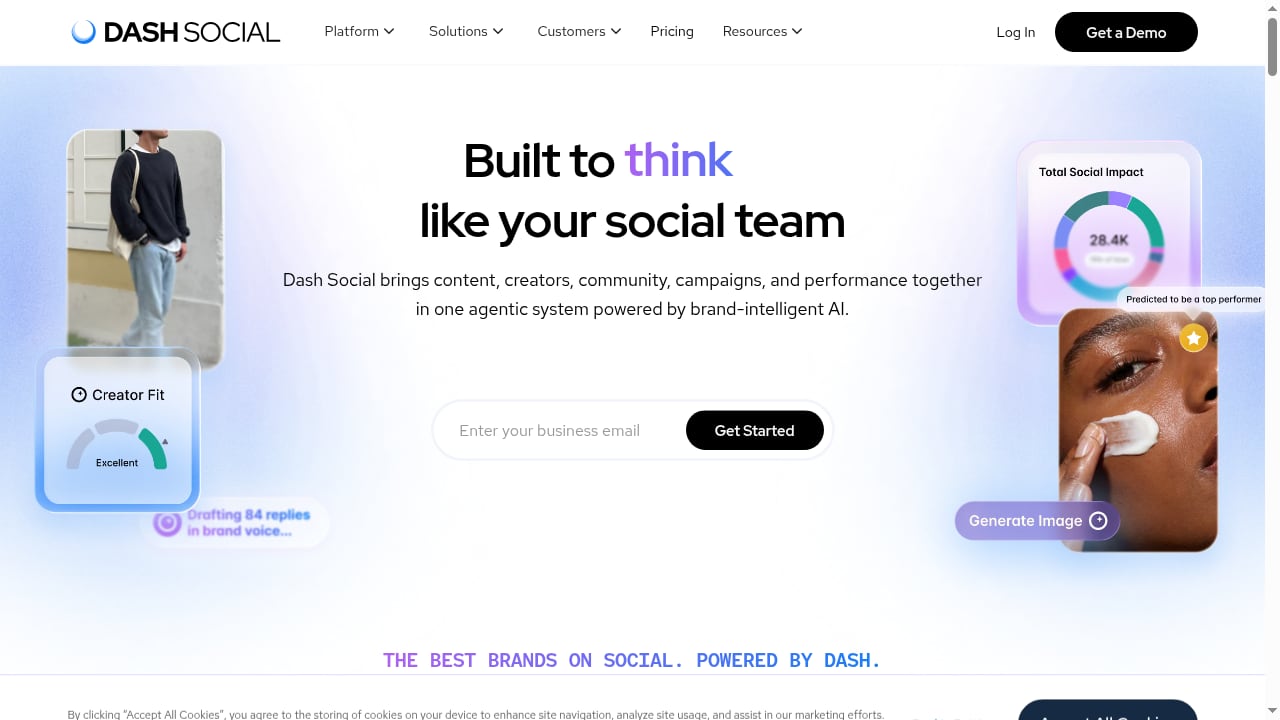
First viewport screenshot of www.dashsocial.com.
Dash Social is an enterprise-focused social media management platform that combines publishing, analytics, social listening, influencer marketing, and user-generated content (UGC) management with AI-powered brand intelligence. The platform aims to connect social data, automate workflows, and drive growth for marketing teams.
Based on vendor messaging and review profiles, Dash Social is best suited for:
- Mid-market and enterprise brands (typically 50+ employees) with dedicated social teams.
- Industries where visual content and brand consistency matter, such as beauty, fashion, luxury, CPG, retail, and health and wellness.
- Teams managing multiple channels and markets that need centralized reporting, competitive benchmarking, and UGC workflows.
- Organizations that value ease of use alongside depth—G2 and Capterra reviews frequently highlight usability.
It is less likely to be the right fit for very small businesses, solo social managers, or teams with tight budgets, given its enterprise orientation and likely pricing.
Core strengths
Brand-intelligent AI and analytics
Dash Social's AI is designed to understand brand-specific content and performance patterns, not just generic metrics. This can help teams surface insights faster, benchmark against competitors, and identify content themes that resonate. Customer stories on the vendor site cite improvements such as significant audience growth and sentiment gains, though these are self-reported and should be treated as directional rather than guaranteed.
Workflow automation and UGC management
Reviewers and case studies highlight time savings in reporting and content sourcing. For example, one global head of digital marketing reported reducing monthly reporting from a week across the team to a single day using Dash Social's Campaigns feature. UGC tools allow teams to collect, organize, and reuse customer content with suggested similar items, which can reduce manual searching.
Ease of use
Both G2 and Capterra reviews consistently rate Dash Social highly for ease of use (4.8/5 on Capterra for ease of use and customer service, based on 93 verified reviews as of October 2026). Users describe it as user-friendly and integrated, which matters for teams onboarding multiple stakeholders.
Competitive benchmarking
Social media managers report using Dash Social's competitive features to build proactive reports for leadership, saving time compared with manually reviewing competitor accounts.
Limitations and trade-offs
- Pricing opacity and enterprise cost: Dash Social does not publish public pricing. Expect enterprise-level costs, and plan for a sales-led evaluation. Budget-conscious teams should compare alternatives with transparent pricing.
- Review platform confusion: Capterra lists Dash Social under Digital Asset Management, and some reviews focus on asset management rather than social media management. This can make it harder to isolate social-specific feedback. Look for reviews that explicitly mention social publishing, analytics, or listening.
- Auto-tagging inconsistencies: At least one Capterra reviewer noted that some auto-tags were not very effective and took time to remove. This suggests AI-assisted organization still requires human oversight.
- Asset download tracking gaps: Another reviewer mentioned that tracking asset downloads via embed links (direct downloads rather than landing pages) was a miss. Teams with strict asset attribution needs should validate this during a trial.
- Enterprise focus may overwhelm smaller teams: The feature depth and likely contract structure may be more than small businesses need.
Pricing signals
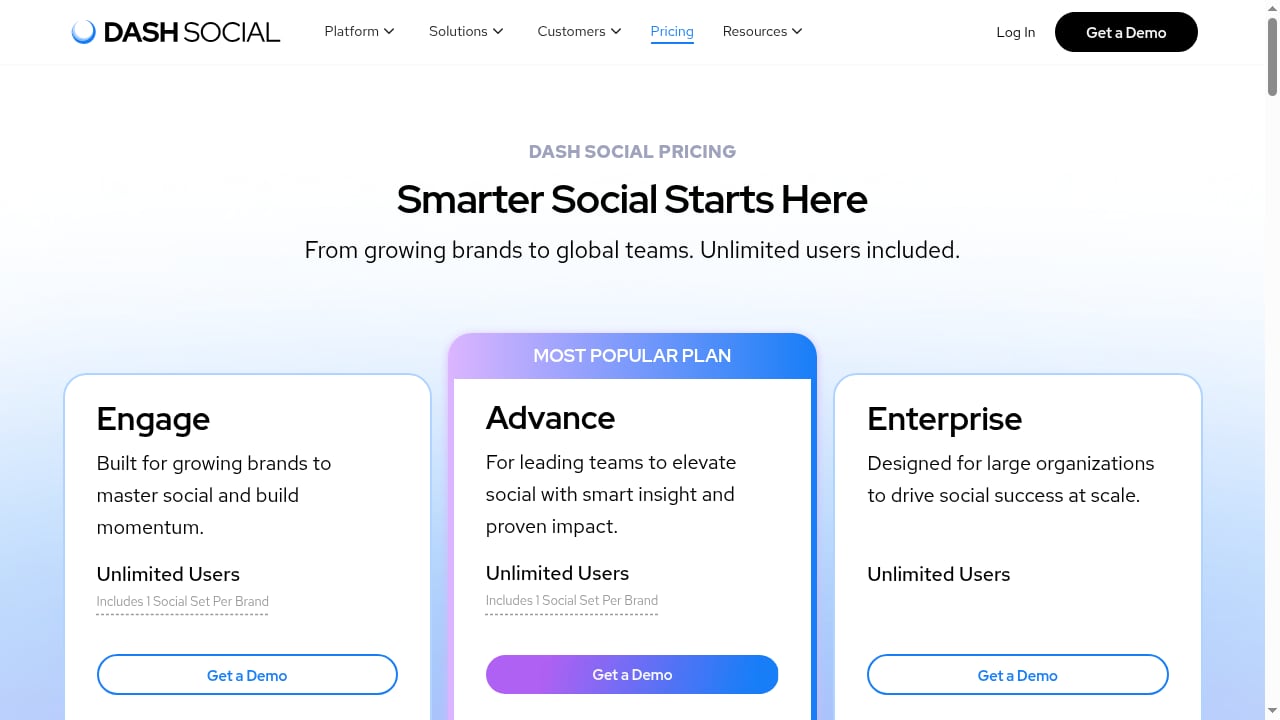
First viewport screenshot of www.dashsocial.com.
Dash Social does not publicly list pricing. Based on its enterprise positioning and the absence of self-serve plans, you should expect:
- Annual contracts with custom quotes based on seats, channels, and modules.
- A sales demo and procurement process rather than instant sign-up.
- Potential add-ons for influencer marketing, listening, or advanced analytics.
For a broader view of how enterprise social suites compare on pricing and fit, see our Top 10 Social Media Management & Consumer Intelligence Software 2026.
Setup and onboarding
Because Dash Social is enterprise-oriented, setup typically involves:
- Discovery and scoping: Define channels, markets, teams, and reporting needs with the vendor.
- Account connections: Connect social profiles and grant permissions; plan for multi-brand or multi-region structures.
- Workflow configuration: Set up approval chains, campaign tags, UGC boards, and reporting templates.
- Training and adoption: Train social managers, analysts, and stakeholders; establish naming conventions for clean data.
- Validation: Run a pilot period to test auto-tagging, asset tracking, and reporting accuracy before full rollout.
Expect a guided onboarding rather than a purely self-serve experience. Allocate internal time for data cleanup and stakeholder alignment.
Dash Social vs alternatives: decision criteria
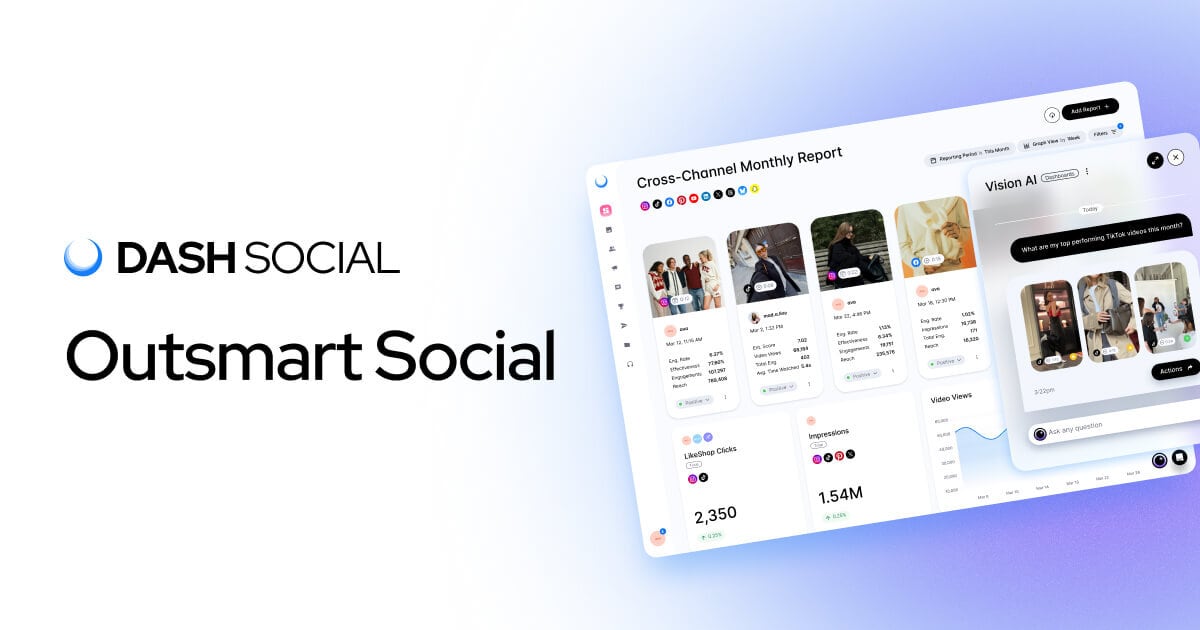
Dash Social | Brand-Intelligent Social Media Management Platform product interface.
When evaluating Dash Social, compare it against other enterprise-capable platforms on these criteria:
- AI depth and brand specificity: Does the AI learn your brand's content patterns, or just provide generic suggestions?
- Workflow automation: How much manual reporting and content sourcing can it eliminate?
- UGC and influencer integration: Are these native and easy to use, or bolt-ons?
- Analytics and benchmarking: Can you benchmark against competitors and export leadership-ready reports?
- Ease of use: Will non-specialist stakeholders adopt it?
- Pricing transparency and total cost: What is the all-in cost per seat and per channel?
- Support and services: What onboarding and ongoing support are included?
For a direct comparison of other AI social workspaces, see SocialEcho vs Sociality.io: AI Social Workspace Compared. If your team is PR-led, our PR Team Leader: Social Media Workflow & Tools for 2026 guide may help frame requirements.
Who should choose Dash Social?
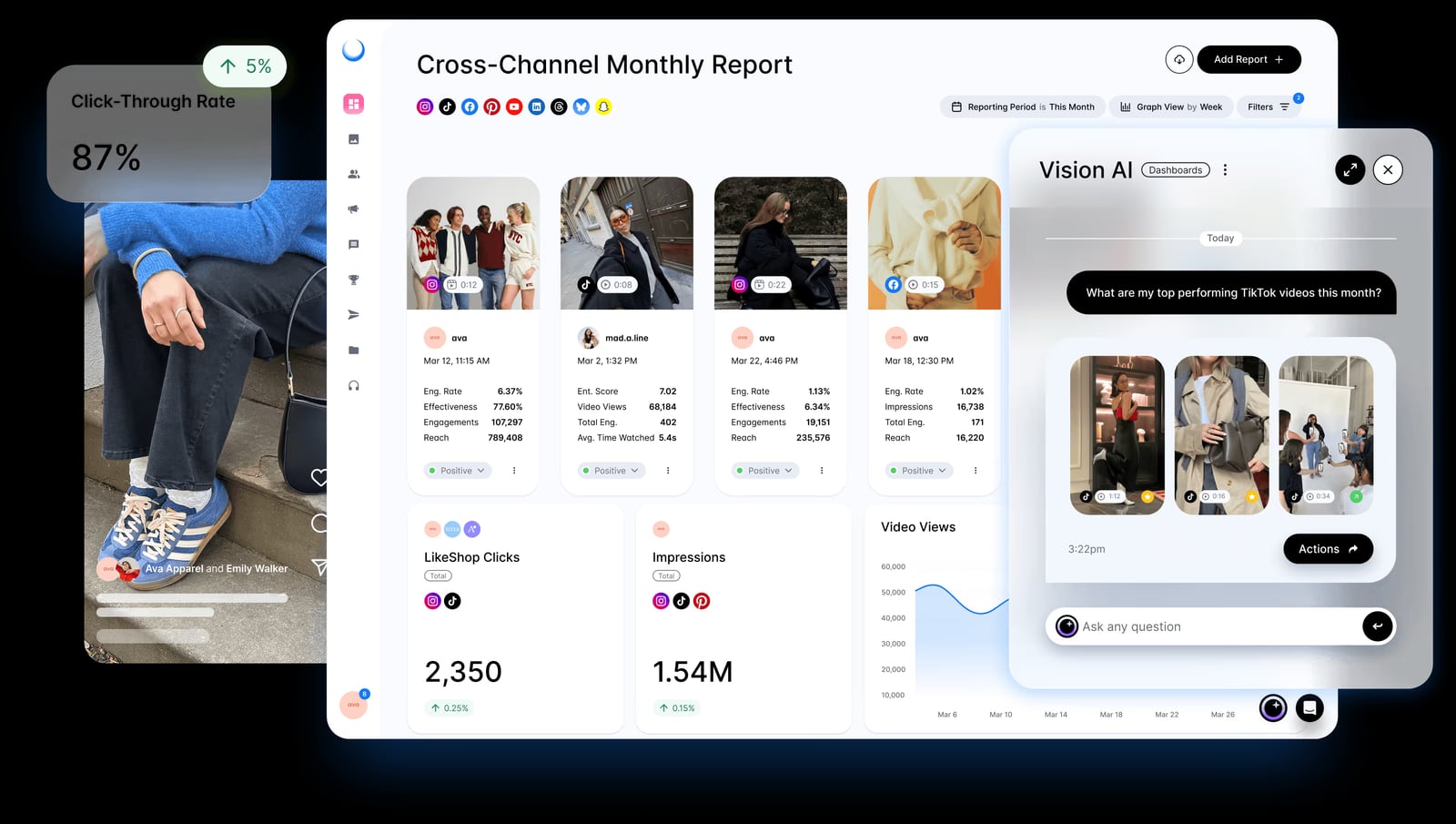
Dash Social social media management platform dashboard for brands.
Dash Social is a strong candidate if you are an enterprise or mid-market brand with a dedicated social team, a need for brand-intelligent analytics, and workflows that span publishing, UGC, and competitive reporting. It is less suitable if you need transparent self-serve pricing, operate with a very small team, or require highly customized asset tracking without vendor validation.
Related reading
- How to Use SocialEcho with Mentionlytics: AI Social Listening Workflow - Combine SocialEcho's AI social workspace with Mentionlytics for deeper listening. Setup steps, workflows, and examples for global brands.
- SocialEcho vs Sked Social vs ContentStudio: 2026 Comparison - Compare SocialEcho, Sked Social, and ContentStudio on AI automation, publishing, listening, security, and pricing to pick the right social media workspace.
FAQ
Is Dash Social the same as Dash Hudson?
Yes. Dash Social was formerly known as Dash Hudson. The rebrand reflects its focus on brand-intelligent social media management.
Does Dash Social publish pricing?
No. Pricing is custom and sales-led, typical of enterprise software. You will need to request a demo and quote.
What do users like most about Dash Social?
Reviewers frequently praise ease of use, customer service, reporting time savings, and UGC organization. Capterra shows high ease-of-use and customer service scores.
What are common complaints?
Some users mention ineffective auto-tags and gaps in tracking asset downloads via embed links. These are worth testing during a trial.
Is Dash Social good for small businesses?
It is primarily built for mid-market and enterprise teams. Small businesses may find it over-featured and costly compared with lighter tools.
Conclusion
Dash Social is a credible enterprise social media management platform with strong usability, brand-intelligent AI, and workflow automation for UGC and reporting. Its main trade-offs are pricing opacity, enterprise complexity, and some AI-assisted organization quirks. If you are a brand-focused enterprise team that values ease of use and competitive insight, it deserves a shortlist spot—but validate pricing, auto-tagging, and asset tracking against your specific needs before committing.
For more evidence-based software reviews, explore our Top 10 Social Media Scheduling Software for 2026.
Sources: