
How to Use SocialEcho with Mentionlytics: AI Social Listening Workflow
Social media teams often face a trade-off: one tool for publishing and engagement, another for deep listening. SocialEcho - All-in-One Social Media AI Workspace for Global Businesses handles the operational side—scheduling, replying, analytics, and AI automation across ten platforms. Mentionlytics: AI Social Listening & Brand Monitoring Tool goes deeper into what people say about your brand on social, in the news, and even in AI-generated answers. Used together, they close the loop between acting on social and understanding the conversations that matter.
This article explains how the two products complement each other, walks through a practical setup, and shows examples of problems the combination solves.
Why pair SocialEcho with Mentionlytics?
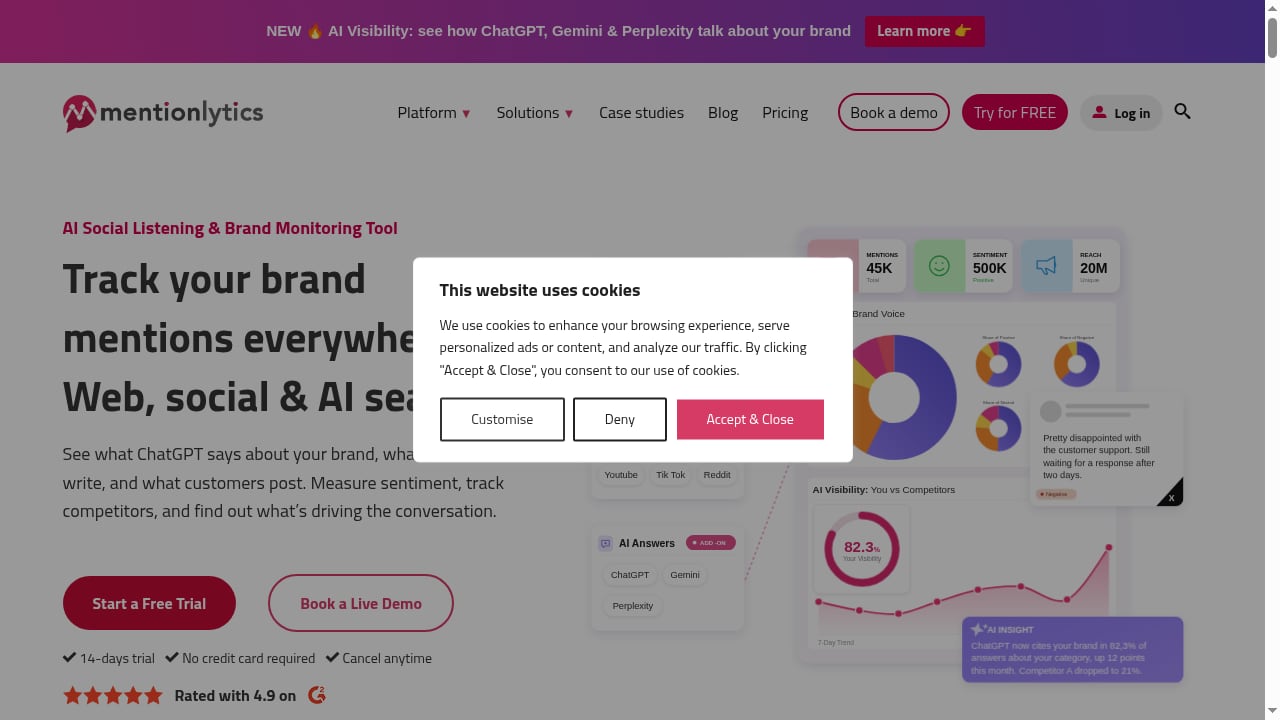
First viewport screenshot of mentionlytics.com.
SocialEcho is built for execution: it publishes to Facebook, Instagram, TikTok, X, LinkedIn, YouTube, Telegram, Pinterest, and Threads, manages comments and DMs with AI replies, and provides cross-platform analytics. Its listening features cover keywords and competitor accounts, but they are designed for operational monitoring within the workspace.
Mentionlytics specializes in breadth and depth of listening. It tracks mentions across social networks, news sites, blogs, and AI answer engines, measures sentiment, and benchmarks competitors. That makes it a strong complement: SocialEcho tells you what happened on your accounts and helps you respond; Mentionlytics tells you what the wider market is saying, including conversations you don't own.
Together, they answer two different questions:
- SocialEcho: How do we publish, engage, and automate across our social presence?
- Mentionlytics: What is the world saying about our brand, products, and competitors—and how is sentiment shifting?
How the two tools fit into one workflow
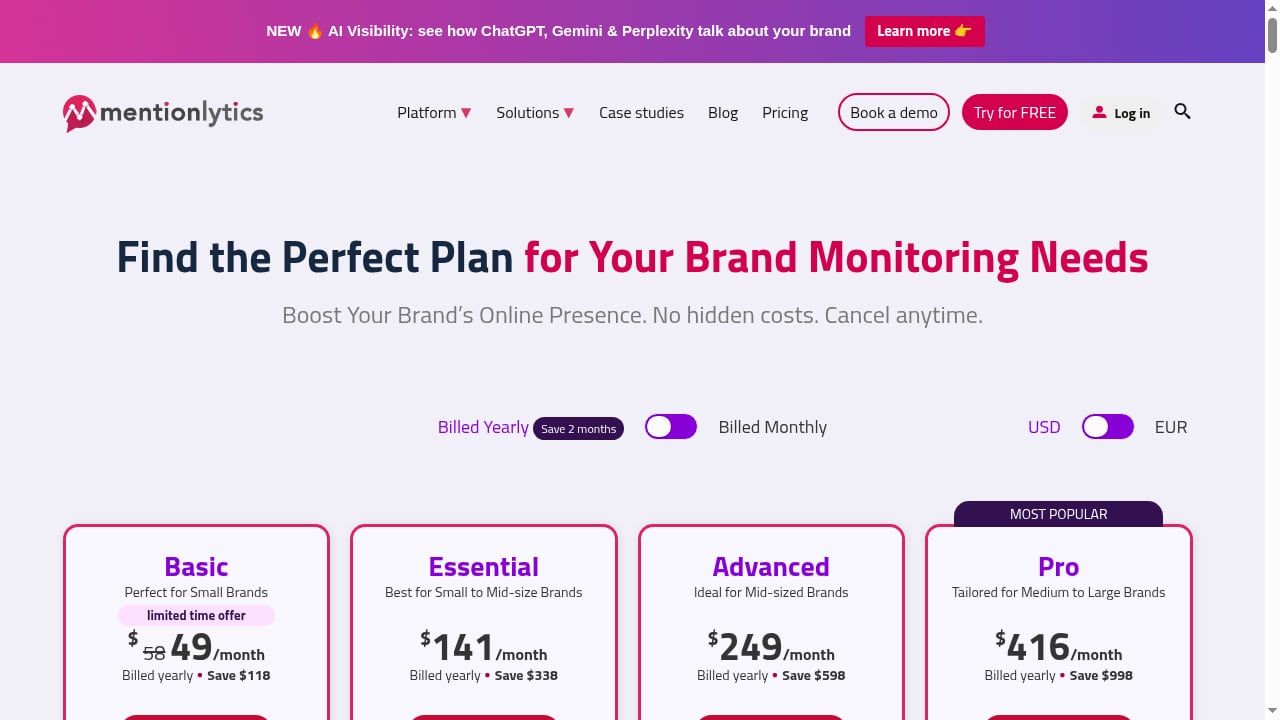
First viewport screenshot of www.mentionlytics.com.
A practical division of labor looks like this:
- Discover with Mentionlytics: monitor brand mentions, industry keywords, competitor names, and executive names across social, news, and AI answers.
- Decide using Mentionlytics sentiment and trend data: identify which conversations need a response, which topics are rising, and where competitors are gaining share of voice.
- Act in SocialEcho: schedule posts, reply to comments and DMs, launch campaigns, and use AI creation to produce content that addresses the insights.
- Measure in both: SocialEcho reports on engagement and reach for your owned channels; Mentionlytics reports on broader sentiment and share of voice. Compare the two to see whether owned-channel activity is influencing external conversation.
This loop is especially useful for global businesses managing multiple markets, where a crisis in one region can surface in Mentionlytics before it hits your SocialEcho inbox.
Setup: connecting the workflow step by step
Step 1: Configure Mentionlytics monitoring
Start by defining what you need to listen to. In Mentionlytics, create monitoring projects for:
- Your brand name and common misspellings
- Product names and campaign hashtags
- Key competitors
- Industry keywords and executive names
Set up sentiment tracking and competitor benchmarking so you can compare share of voice. Mentionlytics also monitors AI answers, which is increasingly important as buyers research via AI assistants.
Step 2: Connect your social accounts in SocialEcho
In SocialEcho, connect the platforms you manage. The workspace supports ten major platforms and uses official APIs, with ISO 27001, ISO 27701, and SOC 2 Type II certifications. Enable behavioral data and analytics so you have a baseline for engagement.
Step 3: Align keywords and alerts
Create a shared keyword list between the two tools. Mentionlytics will catch external mentions; SocialEcho's keyword monitoring will catch activity on your owned accounts. Use the same terms so you can compare results without translation errors.
Step 4: Set up response workflows
In SocialEcho, configure AI message replies for common questions and route sensitive mentions to a human. In Mentionlytics, set alerts for negative sentiment spikes so your team knows when to escalate. A simple rule: Mentionlytics flags the issue; SocialEcho handles the response on your channels.
Step 5: Build a combined reporting rhythm
Weekly, review Mentionlytics sentiment and share-of-voice trends alongside SocialEcho engagement and reach reports. Monthly, compare campaign periods to see whether SocialEcho activity correlated with sentiment changes in Mentionlytics.
Practical examples
First viewport screenshot of www.mentionlytics.com.
Example 1: Product launch in multiple markets
A consumer brand launches a product in three regions. SocialEcho schedules localized posts and manages comments in each market. Mentionlytics tracks mentions across social and news, revealing that one region has a spike in negative sentiment about shipping delays. The team uses SocialEcho to publish a shipping update and reply to affected customers, while Mentionlytics continues to monitor whether sentiment recovers.
Example 2: Competitor share-of-voice shift
Mentionlytics shows a competitor gaining share of voice around a new feature. The marketing team uses SocialEcho's AI creation to produce comparison content and schedules it across LinkedIn and X. SocialEcho analytics show engagement; Mentionlytics shows whether the brand's share of voice improves over the next month.
Example 3: Crisis early warning
Mentionlytics detects a surge in negative mentions on news sites and AI answers before it reaches your owned channels. The team drafts a response in SocialEcho, publishes a statement, and uses AI replies to handle incoming comments. Mentionlytics monitors sentiment recovery in real time.
Problems the combination solves
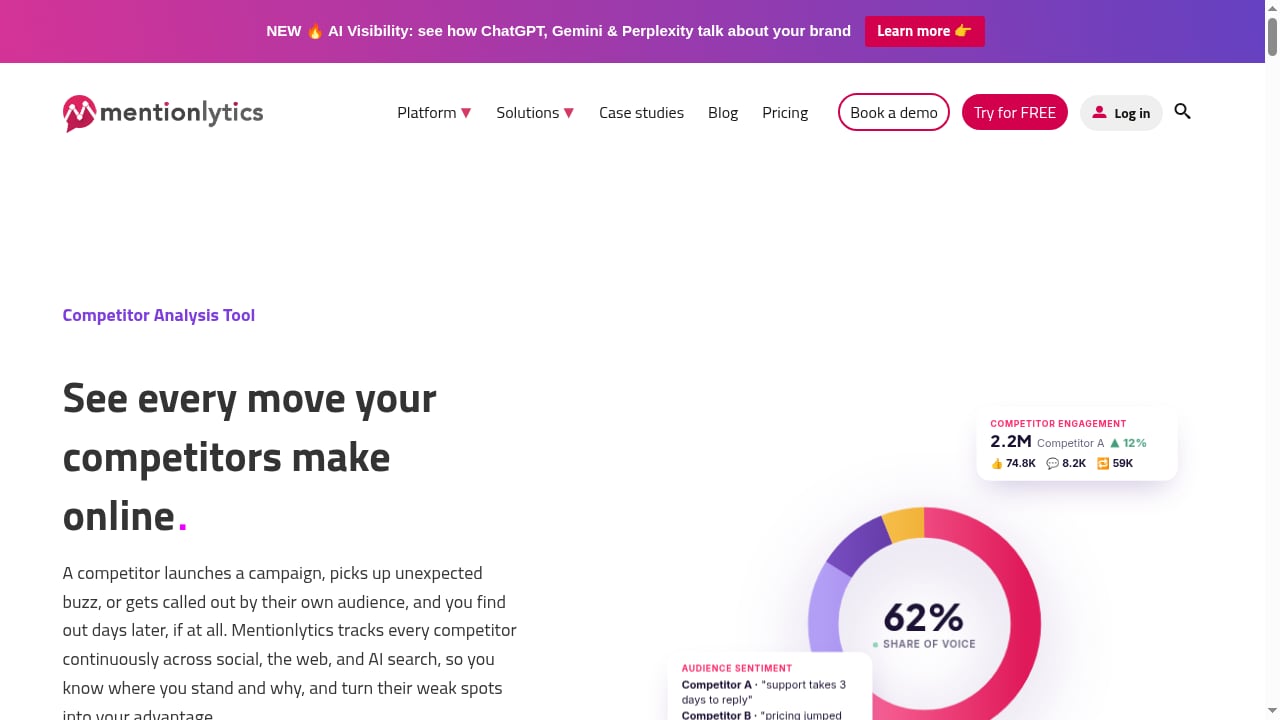
First viewport screenshot of www.mentionlytics.com.
- Fragmented listening: SocialEcho's built-in monitoring covers your accounts; Mentionlytics covers the open web and AI answers. Together they reduce blind spots.
- Slow response: Mentionlytics alerts surface issues early; SocialEcho provides the publishing and reply tools to act quickly.
- Measurement gaps: SocialEcho measures owned-channel performance; Mentionlytics measures brand sentiment and share of voice. Comparing both gives a fuller picture.
- Global complexity: Multi-market teams can monitor regional sentiment in Mentionlytics and execute localized responses in SocialEcho.
When to use each tool on its own
If your primary need is scheduling, engagement, and AI-assisted publishing, SocialEcho alone may suffice. If you need deep listening across news and AI answers but have a separate publishing stack, Mentionlytics can stand alone. The combination is most valuable when you want a closed loop between listening and action.
For teams comparing social media workspaces, see our SocialEcho vs Sociality.io comparison and our top 10 social media management and consumer intelligence software roundup. If you are also connecting email marketing, our SocialEcho with Mailchimp workflow shows how to turn social engagement into owned-channel conversions.
Related reading
- SocialEcho vs Sked Social vs ContentStudio: 2026 Comparison - Compare SocialEcho, Sked Social, and ContentStudio on AI automation, publishing, listening, security, and pricing to pick the right social media workspace.
- Publer Review 2026: Features, Pricing, Pros & Cons - Evidence-based Publer review covering features, pricing signals, setup, ideal users, and limitations. See if Publer fits your social media workflow.
- Social Media Scheduling for Education: A Practical Guide - Learn how to schedule social media for schools and universities: multi-department workflows, approvals, accessibility, and tool selection.
Sources and further reading
- SocialEcho - All-in-One Social Media AI Workspace for Global Businesses - SocialEcho helps teams manage publishing, engagement, social listening, analytics, and AI automation across major social platforms.
- SocialEcho - All-in-One Social Media AI Workspace for Global Businesses - Manage content, messages, and data in one place, with security and compliance built in. 7-day free trial, no credit card required.
- SocialEcho 2.0 Tutorial: Fix Low Engagement with AI - Master SocialEcho 2.0 to identify root causes of social media engagement drops. Learn to use predictive behavioral modeling and sentiment analysis for 2026.
FAQ
Do SocialEcho and Mentionlytics integrate natively?
There is no native one-click integration described in the product context. The workflow relies on shared keyword lists, aligned alerts, and manual or API-based reporting. Teams can export data from each tool and combine it in a dashboard.
Can SocialEcho replace Mentionlytics?
Not fully. SocialEcho includes keyword and competitor monitoring, but Mentionlytics specializes in broader listening across news, blogs, and AI answers, with deeper sentiment and benchmarking. They serve different primary purposes.
Which tool should I set up first?
Start with Mentionlytics to define what you need to listen for, then configure SocialEcho to act on those insights. This order ensures your publishing and response workflows are informed by external data.
Is the combination suitable for small teams?
Yes, but evaluate cost. SocialEcho offers a free plan and a 7-day trial; Mentionlytics is a separate subscription. Small teams may start with one tool and add the other as listening needs grow.
How do I measure success of the combined workflow?
Track two sets of metrics: SocialEcho engagement and reach for owned channels, and Mentionlytics sentiment and share of voice for external conversation. Look for correlation during campaign periods.
Conclusion
SocialEcho and Mentionlytics solve different but complementary problems. SocialEcho gives you an AI-powered workspace to publish, engage, and automate across major platforms. Mentionlytics gives you a listening layer that spans social, news, and AI answers. By connecting discovery, action, and measurement, global teams can respond faster, spot crises earlier, and understand whether their social activity is moving brand sentiment in the right direction. Start with a clear keyword strategy, align alerts across both tools, and review combined metrics regularly to get the most from the pairing.