
How to Use SocialEcho with Mailchimp: A Social-to-Email Workflow
Social media gets attention; email and SMS keep it. Most teams run both but treat them as separate jobs, so a viral post never becomes a subscriber list, and a great email never gets a second life on social. This article shows how to connect SocialEcho (the AI social media workspace for publishing, engagement, listening, and analytics) with Mailchimp (the email and SMS marketing platform) into one practical loop. You will get the setup sequence, three worked examples, and the decision rules for when the combination is worth it.
Why pair SocialEcho with Mailchimp
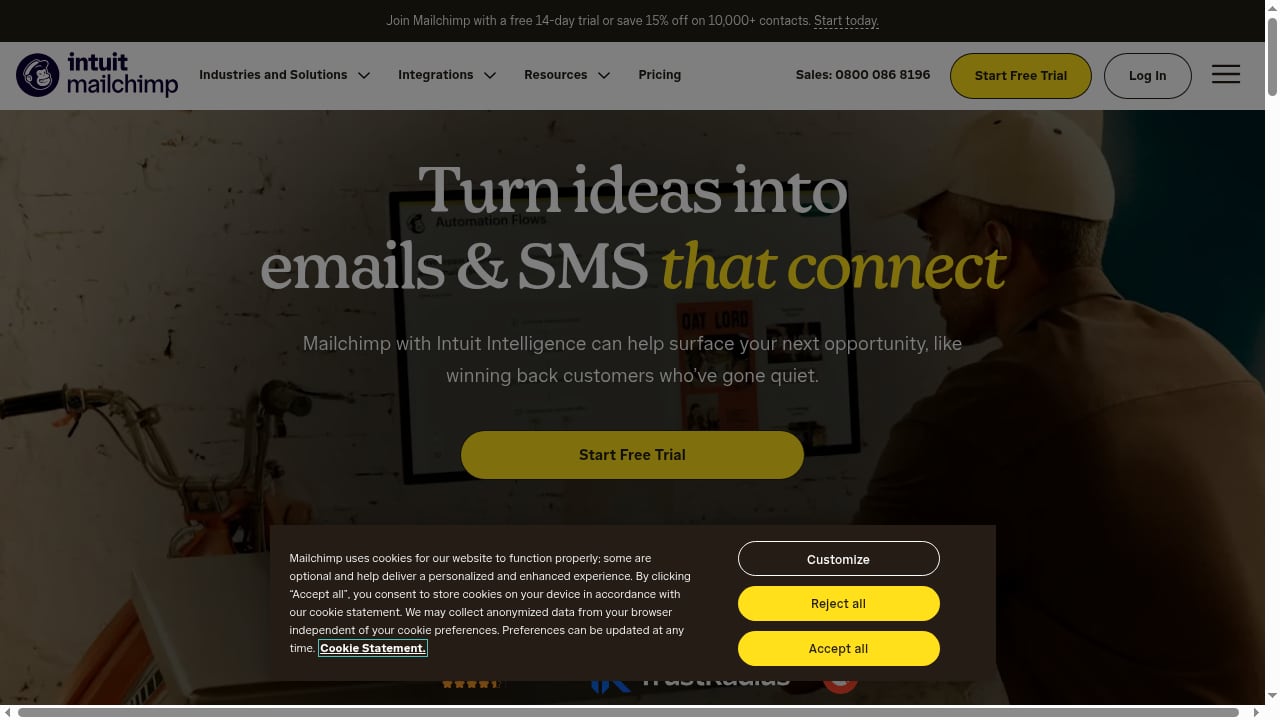
First viewport screenshot of mailchimp.com.
SocialEcho handles the public conversation: scheduling posts across platforms, replying to comments, monitoring sentiment, and surfacing what audiences respond to. Mailchimp handles the private conversation: segmented email campaigns, SMS messages, and automated journeys triggered by real-time behavior.
The gap each fills for the other is straightforward:
- SocialEcho gives Mailchimp better inputs. Listening data and engagement patterns tell you which topics, offers, and segments deserve an email or SMS send.
- Mailchimp gives SocialEcho a conversion endpoint. Social platforms are rented reach; email and SMS are owned channels where you can measure revenue, not just likes.
- AI on both sides compounds. SocialEcho's AI automation handles repetitive social replies and content rewriting; Mailchimp's AI and behavioral triggers handle send-time and journey personalization. Together they reduce manual handoffs between the social team and the lifecycle team.
How the two tools fit together
Think of the workflow in four stages:
- Listen and publish on social. SocialEcho monitors mentions, comments, and sentiment, and publishes scheduled content across connected accounts.
- Capture intent. High-intent signals (questions about pricing, repeated topic interest, contest entries, webinar reactions) become the trigger for list growth.
- Move the audience to email or SMS. Signup links, lead forms, and DM-to-subscribe flows push people into Mailchimp audiences with tags that record where they came from.
- Convert and feed learnings back. Mailchimp campaigns and journeys drive purchases or registrations; the results inform the next social content cycle in SocialEcho.
Setup: connecting the workflow step by step
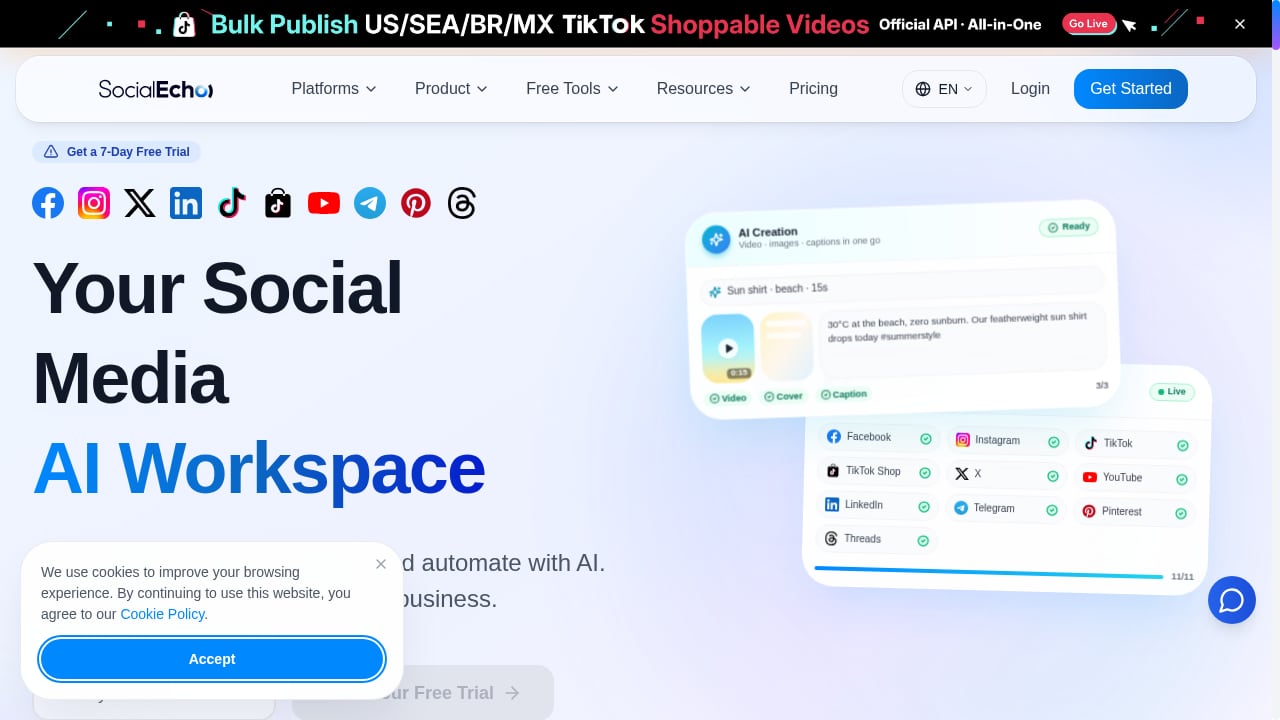
First viewport screenshot of www.socialecho.net.
Step 1 — Prepare SocialEcho
Connect your social accounts and confirm publishing, engagement, and listening are active. If you are starting fresh, the SocialEcho setup guide walks through account connection, publishing configuration, listening, analytics, and team roles. Before building any cross-channel flow, decide which platforms and which team members own social replies versus email sends.
Step 2 — Prepare Mailchimp
Create or clean your audiences, then define the tags and custom fields you will use to record social source (for example, platform name, campaign name, or the post that drove the signup). Set up at least one welcome journey and one SMS opt-in path so new contacts from social get an immediate, relevant message rather than silence.
Step 3 — Build the bridge
There are three common ways to connect the tools, and most teams use more than one:
- Signup links and landing pages. Put a Mailchimp-hosted form link in social bios, pinned posts, and link-in-bio pages. Tag each link by platform so you can attribute signups later.
- Lead capture inside social flows. Run a comment-to-DM or DM-keyword automation in SocialEcho that sends a subscribe link when someone asks a relevant question. This converts conversations that would otherwise end at a reply.
- Native or middleware integration. If your stack supports it, connect Mailchimp to your social data through an integration platform or API so engagement events can trigger Mailchimp tags and journeys automatically. Where a native connector is not available, scheduled exports of SocialEcho analytics into Mailchimp segments work as a manual fallback.
Step 4 — Define the handoff rules
Write down simple rules so the teams do not duplicate work:
- Social replies stay in SocialEcho; anything requiring order details, refunds, or account information moves to email.
- Every social-driven signup gets a source tag in Mailchimp within the same day.
- A contact who clicks a social promo link but does not convert receives one SMS or email nudge, not a flood.
Step 5 — Measure the loop
Track two numbers together: social engagement rate from SocialEcho and conversion rate from Mailchimp for the same campaign. The useful metric is the ratio between them — how much social attention actually became owned-channel action.
Three practical examples
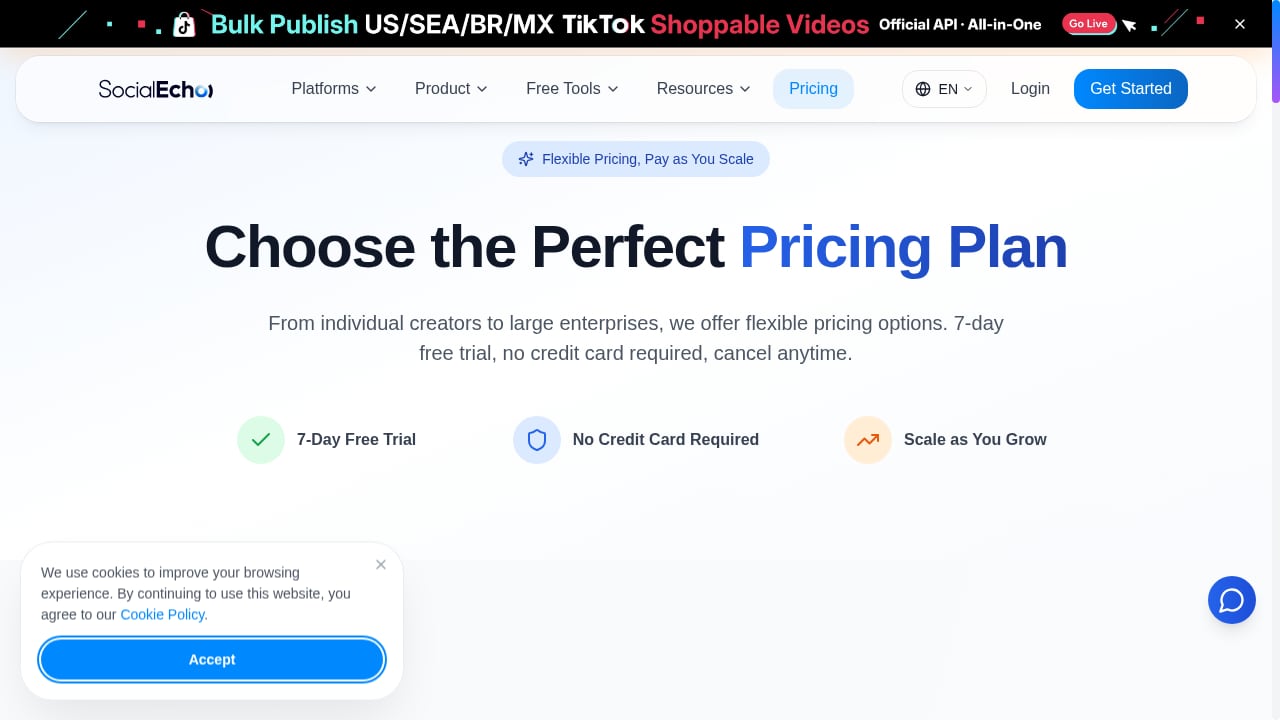
First viewport screenshot of www.socialecho.net.
Example 1: Turning a product launch into a segmented email sequence
SocialEcho publishes a launch series across Instagram, LinkedIn, and TikTok and monitors comments for questions about pricing and availability. Comments containing buying-intent keywords trigger a DM with a signup link. New contacts land in Mailchimp tagged by platform and interest, and a three-email sequence plus one SMS reminder runs over five days. The social team sees which post drove the most signups; the lifecycle team sees which email drove the most purchases.
Example 2: Using listening data to choose the next SMS offer
SocialEcho's sentiment and topic monitoring shows a spike in questions about shipping times during a seasonal peak. Instead of a generic promotion, the team sends a Mailchimp SMS with clear delivery-cutoff dates to the segment that engaged with shipping-related posts. This is the kind of behavior-driven targeting Mailchimp is built for, and the topic signal comes directly from social listening.
Example 3: Recovering quiet subscribers with social proof
Mailchimp identifies contacts who have not opened in 60 days. The social team pulls the strongest recent user-generated content and testimonials surfaced through SocialEcho engagement tracking, and the lifecycle team builds a re-engagement email featuring that social proof, with a short SMS follow-up to non-openers who opted in. The social content does double duty without extra production work.
Where the combination solves real problems
- Disconnected data. Social metrics and email revenue usually live in different reports. Tagging social source in Mailchimp connects them.
- Leads that evaporate in DMs. Conversations that end with "check our website" lose people. A subscribe link inside the reply flow captures them.
- Generic email content. Listening data gives you the exact questions and objections to address, instead of guessing.
- Manual coordination overhead. Clear handoff rules and automated triggers reduce the back-and-forth between social and lifecycle teams.
When this combination is the right fit — and when it is not
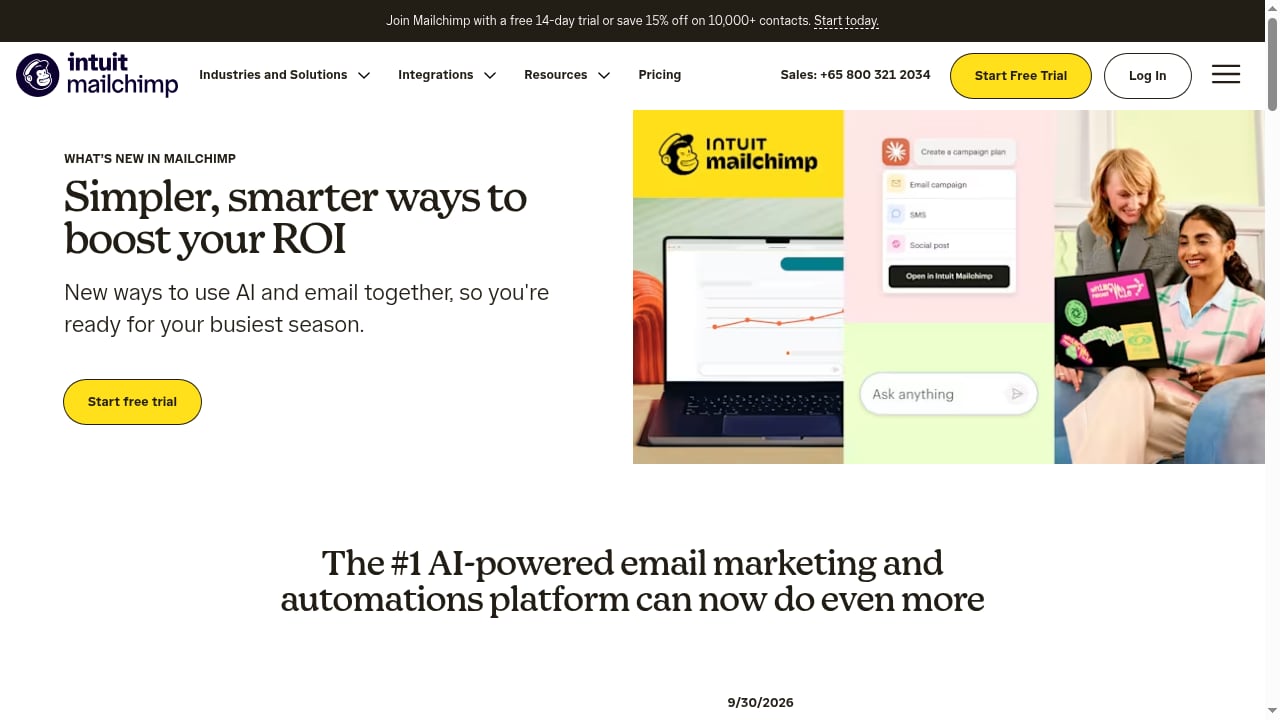
First viewport screenshot of mailchimp.com.
Choose SocialEcho plus Mailchimp when your social presence generates meaningful conversation (comments, DMs, questions) and you want that attention to feed an owned email or SMS channel. It suits small and midsize teams that need one workspace for social and a familiar platform for email and SMS without building custom infrastructure.
Consider alternatives if:
- You already run a full marketing automation suite and adding Mailchimp would duplicate your email stack.
- Your social volume is low and a simple link-in-bio plus a form is enough.
- You need deep, real-time event streaming between tools; in that case, plan for an integration platform or API work rather than assuming a native connector covers every event.
If you are still evaluating the social side, comparisons like SocialEcho vs Publer and SocialEcho vs MeetEdgar vs Cloud Campaign help you judge whether SocialEcho's AI automation and multi-account management fit your team before you build cross-channel workflows on top of it.
Related reading
- Ocoya Review 2026: AI Social Media Management Tested - Evidence-based Ocoya review for 2026: AI content creation, scheduling, pricing signals, setup, limitations, and who should choose it.
Sources and further reading
- Can You Register Telegram with a Mainland Chinese Phone Number? +86 Risks, SMS Code Myths, and an Account Security Checklist - Setting up your first Telegram account for global operations and stuck on the verification code with a +86 number? This guide checks the paid-SMS-code rumor, breaks down the real risks of registering
FAQ
Do SocialEcho and Mailchimp have a native integration?
They are separate products, so treat the connection as a workflow you design: signup links, tagged forms, DM-to-subscribe automations, and — where your stack supports it — middleware or API connections. Confirm current connector options in both products before committing to an automated event flow.
Which tool should own the customer record?
Mailchimp should own the email and SMS contact record, including consent and tags. SocialEcho owns the social conversation history. Keeping that boundary clear prevents duplicate messaging and consent mistakes.
How do I attribute email signups to social posts?
Use unique signup links or forms per platform and campaign, and store the source as a tag or custom field in Mailchimp. Review the tag performance alongside SocialEcho's post-level analytics to see which content actually drives signups.
Can SMS be part of this workflow?
Yes. Mailchimp supports SMS as part of its marketing platform, and SMS works well for time-sensitive follow-ups such as launch reminders or delivery cutoffs. Always collect explicit opt-in and respect regional messaging rules.
What should we measure first?
Start with two metrics: social-driven signups per campaign and conversion rate of those signups in Mailchimp. Everything else — engagement rate, open rate, click rate — is diagnostic context for improving those two.
Conclusion
SocialEcho and Mailchimp solve different halves of the same problem: public attention and private conversion. Connected with clear tagging, simple handoff rules, and a few automated triggers, the pair turns social conversations into measurable email and SMS results — and turns email performance data into smarter social content. Start with one campaign, one signup path, and one follow-up sequence, then expand once the loop proves itself.
For background on the metrics involved, the SocialEcho social media glossary defines terms like engagement rate, sentiment, and attribution, and the SocialEcho profile on Capterra summarizes the platform's feature set for buyers comparing options.