
Ocoya Review 2026: AI Social Media Management Tested
Ocoya markets itself as an AI-powered hub for social media scheduling and content creation. But does it deliver for real teams? This review examines user feedback, feature depth, pricing signals, and practical trade-offs to help you decide if Ocoya fits your workflow.
What Ocoya Does

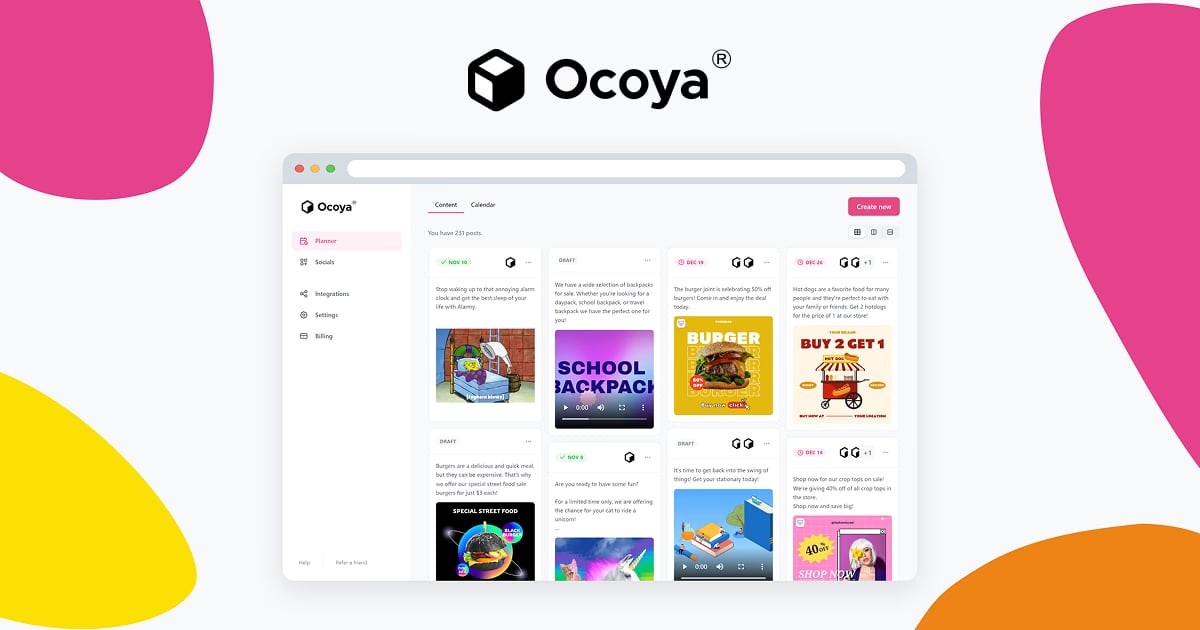
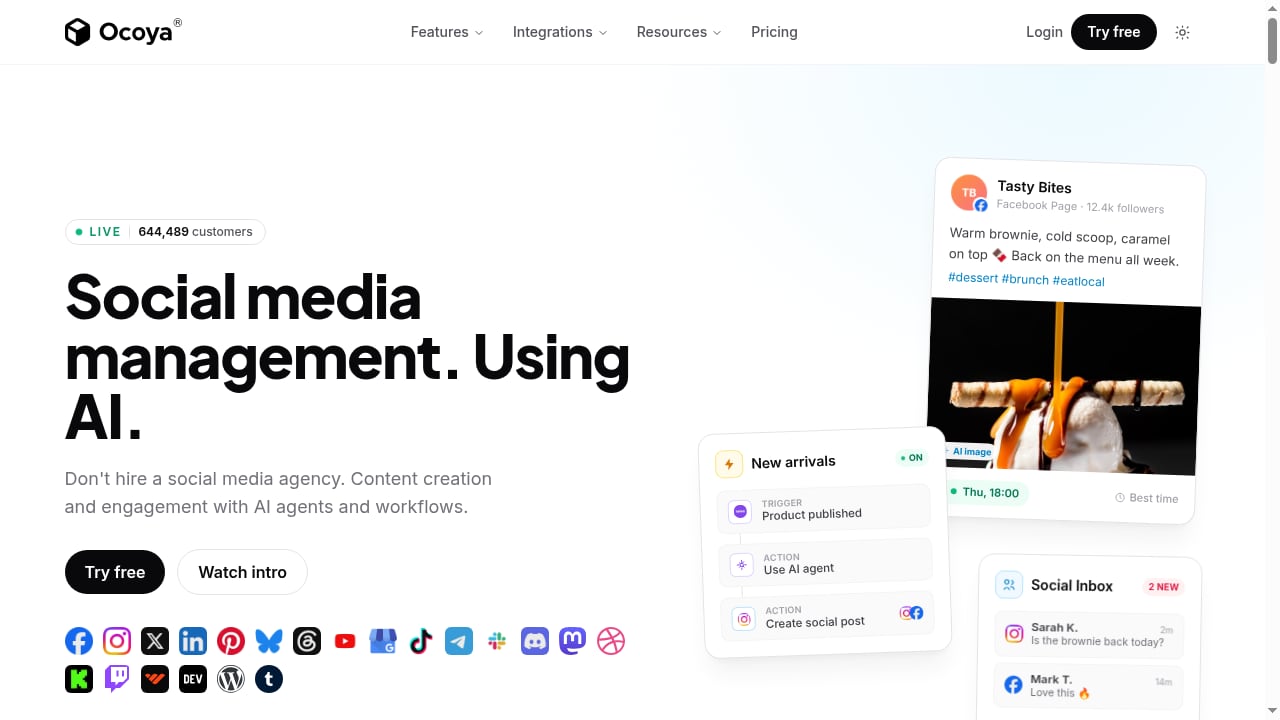
Social media management. Using AI. | Ocoya product interface.
Ocoya combines several functions that are often split across tools:
- AI content generation: Creates captions, post ideas, and visuals from prompts.
- Visual design: Built-in templates and editing for graphics.
- Scheduling and publishing: Queues posts across connected social channels.
- Unified calendar: Manages multiple platforms from one dashboard.
- Analytics: Basic performance tracking for published content.
This all-in-one approach appeals to small teams and solo creators who want to reduce tool sprawl.
Who Ocoya Is For
First viewport screenshot of Social media management. Using AI. | Ocoya.
Based on verified user reviews, Ocoya tends to suit:
- Small marketing teams (2–10 people) without dedicated designers or copywriters.
- Solo creators and consultants who need to produce consistent content quickly.
- Restaurants and local businesses managing a few channels with limited time.
- Agencies testing AI-assisted workflows before committing to enterprise tools.
It is less suited to large teams needing granular approval workflows, deep listening, or advanced analytics.
Strengths According to Users
Ease of Use and All-in-One Hub
Reviewers on G2 and Capterra consistently praise Ocoya’s ease of use. A store manager in restaurants noted that AI-powered technologies eliminate the need for composing, designing, or scheduling posts manually, making it an ideal hub for marketers who want to accomplish more with less time.
AI That Reduces Writing Burden
A marketing associate highlighted that the AI feature significantly streamlines content creation, especially for businesses without dedicated writing teams. The prompt library and AI copywriter help generate post variations quickly.
Fast Setup and Planner
A walkthrough video shows that setup and planner navigation are straightforward, with manual post creation and AI generation accessible within minutes.
Limitations and Watch-Outs
Platform-Specific Scheduling Quirks
One reviewer noted that scheduling the same content to Facebook and LinkedIn at different times requires creating separate posts for each platform—duplication that eats up time. Another mentioned difficulties scheduling to TikTok due to integration issues, despite the platform being listed as supported.
Limited Cross-Platform Duplication
If your workflow depends on publishing the same post to multiple channels with different timings, Ocoya may add manual steps. Teams with complex multi-channel calendars should test this before committing.
Analytics Depth
Ocoya provides basic analytics, but teams needing advanced listening, sentiment analysis, or competitive benchmarking will likely need a supplementary tool. For a broader comparison of platforms with deeper analytics, see our Top 10 Social Media Management Software 2026.
Pricing Signals
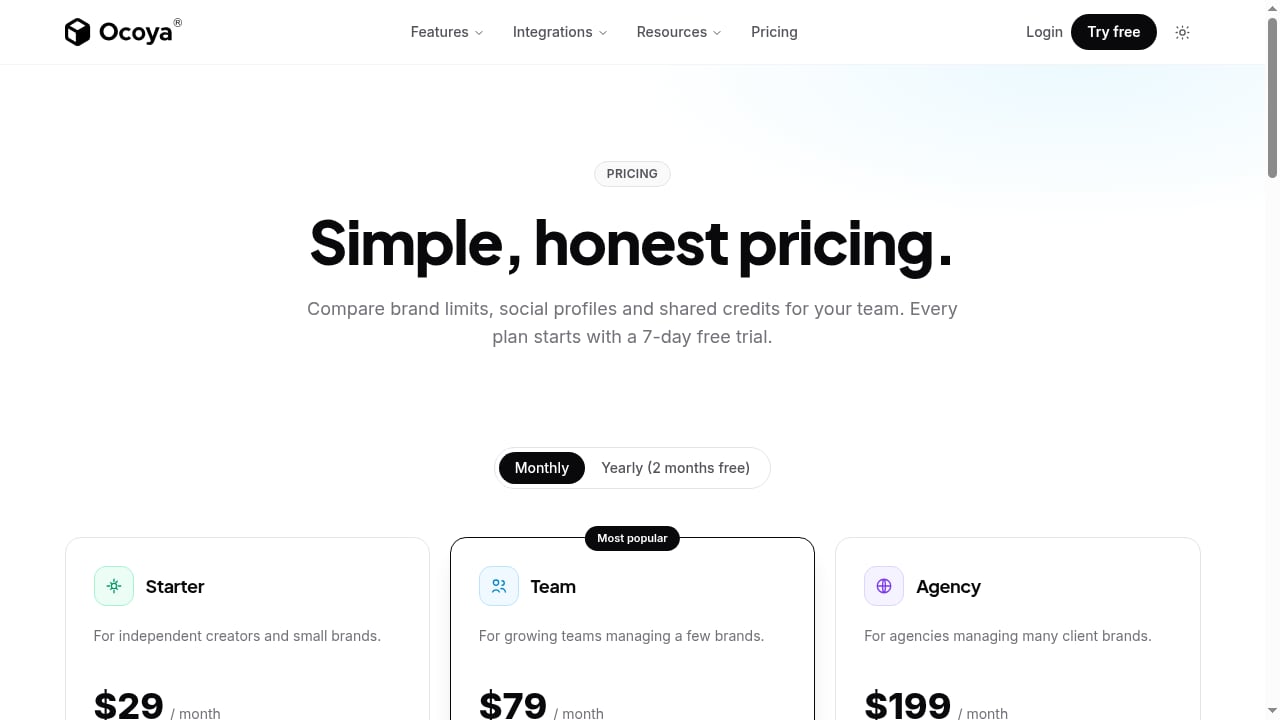
Ocoya’s public pricing is not always transparent, and plans may change. Based on user reviews and third-party listings, expect tiered pricing based on the number of social profiles and AI credits. Some users mention AppSumo lifetime deals, which can offer value but may come with usage caps.
Before purchasing, confirm:
- Number of social profiles included per tier.
- AI credit limits and overage costs.
- Whether analytics and team seats are included or add-ons.
- Refund policy and trial length.
For a broader view of how Ocoya’s pricing fits alongside alternatives, see our Top 10 Social Media Management & MCP Platforms 2026.
Setup and Workflow
Getting started with Ocoya typically involves:
- Connect social accounts (Facebook, Instagram, LinkedIn, TikTok, etc.).
- Set up your brand kit (logos, colors, fonts) for consistent visuals.
- Create a content calendar and define posting slots.
- Use AI prompts to generate captions and visuals.
- Schedule posts and review in the unified calendar.
- Track performance in the analytics dashboard.
For a more detailed walkthrough of setting up an AI social media workspace, see our SocialEcho Setup Guide: AI Social Media Workspace.
Ocoya vs. Alternatives
Social media management. Using AI. | Ocoya product interface.
| Criterion | Ocoya | SocialEcho | Planable |
|---|---|---|---|
| AI content generation | Strong | Strong | Limited |
| Scheduling | Good, some quirks | Good | Excellent |
| Analytics depth | Basic | Advanced | Basic |
| Listening | No | Yes | No |
| Team collaboration | Basic | Advanced | Strong |
| Pricing transparency | Moderate | High | High |
If you need deeper analytics and listening, SocialEcho may be a better fit. For a direct comparison, see SocialEcho vs Planable vs Dash Social: Best Social Media Tool 2026.
Decision Criteria: Is Ocoya Right for You?
First viewport screenshot of Social media management. Using AI. | Ocoya.
Choose Ocoya if:
- You are a small team or solo creator needing an all-in-one AI content and scheduling tool.
- You want to reduce time spent on writing and designing posts.
- You manage a handful of channels and don’t need advanced listening.
Look elsewhere if:
- You need granular approval workflows and role-based permissions.
- You require deep analytics, social listening, or competitive benchmarking.
- You publish the same content across many channels with different timings.
Related reading
- How to Use SocialEcho with Meltwater: AI Social Workflow - Combine SocialEcho's AI social media workspace with Meltwater's media intelligence to publish, listen, and act faster. Setup steps and practical examples.
FAQ
Is Ocoya good for social media management?
Yes, for small teams and creators who value ease of use and AI-assisted content creation. It is less suited to enterprises needing advanced analytics and listening.
Does Ocoya support TikTok scheduling?
Ocoya lists TikTok as supported, but some users report integration issues. Test before relying on it for critical campaigns.
Can I schedule the same post to multiple platforms at different times?
Users report that you need to create separate posts for different platforms or timings, which can add manual work.
How much does Ocoya cost?
Pricing varies by plan and social profile count. Check the official site for current tiers and AI credit limits.
Does Ocoya offer a free trial?
Trial availability changes; confirm on the official website before signing up.
Conclusion
Ocoya is a solid AI-first social media management tool for small teams and creators who want to streamline content creation and scheduling. Its strengths lie in ease of use and AI assistance, while limitations include scheduling quirks and basic analytics. Evaluate your need for cross-platform duplication, analytics depth, and pricing transparency before committing. For teams needing more advanced features, explore our SocialEcho vs Emplifi: AI Social Media Management Compared 2026 for a deeper comparison.
Sources: