
Social Media Scheduling for Education: A Practical Guide
A university's social presence is rarely run by one person. Admissions, athletics, alumni relations, the library, individual colleges, and student services all publish in the institution's name, often with a small central communications team coordinating a much larger group of departmental contributors and student workers. Scheduling software is what keeps that many voices from turning into noise.
This guide explains what education scheduling actually requires, how to structure a multi-department calendar, which workflows to standardize, and how to choose a platform without overpaying for seats you do not need.
Why education scheduling is different from corporate scheduling
First viewport screenshot of News Media Solutions - SocialEcho.
A business typically has one brand voice and a handful of accounts. An institution has dozens of accounts, a rotating cast of student contributors who graduate every year, and approval chains that run from a department coordinator to central communications. The scheduling problem is therefore less about finding a good calendar and more about governance: who can post, who must approve, and how access expires when a student leaves.
Three constraints shape almost every education buying decision:
- Seat economics. Pricing per user punishes institutions precisely because they need many occasional contributors. Pricing per channel or per calendar often fits better.
- Approval placement. Multi-step review is frequently locked to the most expensive tier, even though approvals are the main reason central communications buys a platform at all.
- Accessibility. Public institutions often carry legal obligations to publish accessible content, which makes alt-text support and WCAG documentation part of the evaluation, not a nice-to-have.
What a workable campus scheduling setup looks like
One shared calendar, many owners
Keep every department's scheduled posts in a single calendar with color coding or labels by unit. Central communications gets visibility without asking each department for screenshots, and duplicate announcements about the same event get caught before they publish.
Role-based access with expiry dates
Student workers and temporary contributors should never hold the account password. Look for temporary posting access with an approval step and an automatic expiry date, so access ends on its own rather than when someone remembers to revoke it.
Approval tiers that match your org chart
Most campuses need at least two levels: a department-level reviewer and a central reviewer for sensitive topics such as crisis statements, tuition changes, or commencement. Map this before you compare tools, because the tier where multi-step approval lives will determine your real cost.
A publishing cadence tied to the academic year
Scheduling in education follows a rhythm: orientation, add/drop deadlines, midterms, registration, commencement, and alumni giving campaigns. Build recurring calendar blocks for these milestones once, then let departments fill in their own content around them.
Practical examples of scheduled content by audience
- Prospective students: application deadline reminders, campus visit invitations, program spotlights, and student-life stories scheduled to publish when high school audiences are most active.
- Current students: registration windows, financial aid deadlines, event reminders, and service disruptions, published consistently across the main account and relevant department accounts.
- Alumni: giving campaigns, alumni achievement stories, and reunion announcements, timed around homecoming and year-end fundraising.
- Faculty and staff: policy updates and research news, usually routed through a stricter approval path than student-life content.
Social listening belongs in the scheduling conversation
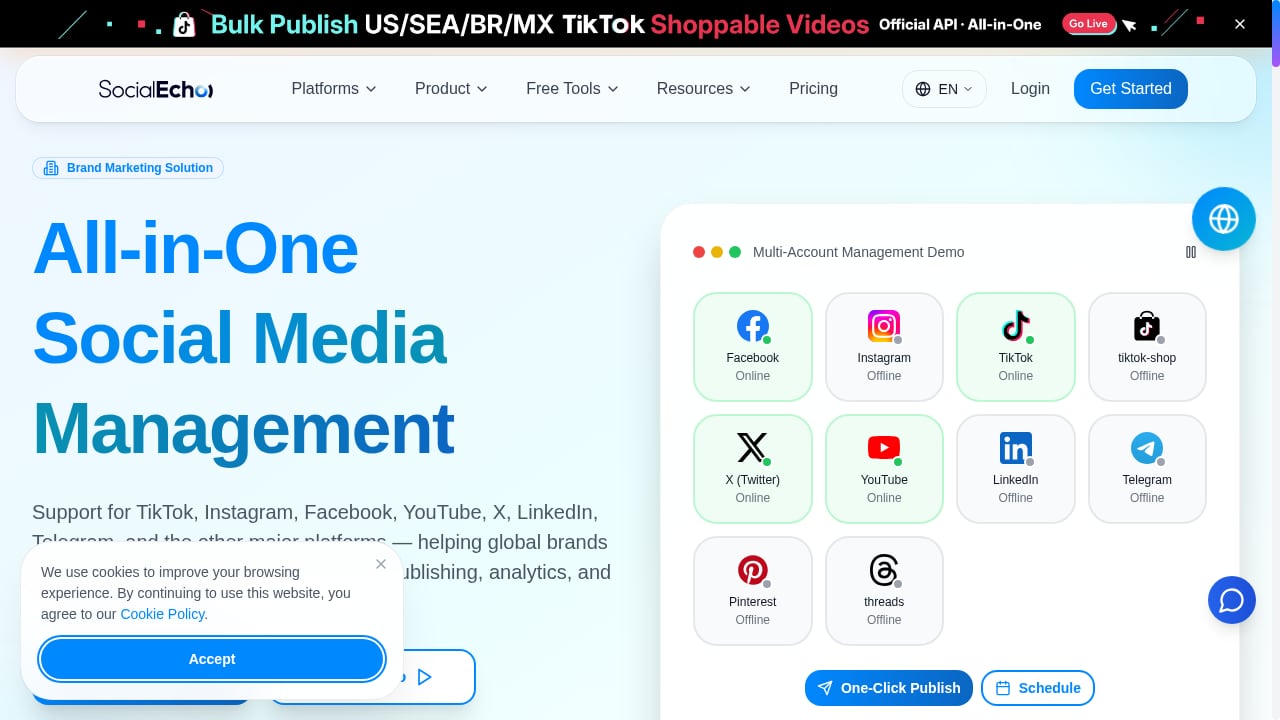
First viewport screenshot of www.socialecho.net.
Scheduling is only half the job. A communications office also needs to know what students, alumni, and the public are saying, especially during a crisis. Listening tools surface sentiment shifts and emerging issues before they reach the main feed, which is why education buyers increasingly evaluate scheduling and listening together rather than as separate purchases.
Platforms such as SocialEcho combine publishing, engagement, social listening, analytics, and AI automation in one workspace, which suits institutions that want a single dashboard for multiple accounts and departments instead of stitching together a scheduler and a separate monitoring tool. For teams weighing broader options, our ranking of social media management and consumer intelligence software compares platforms on evidence, pricing signals, and fit.
How to compare education scheduling tools
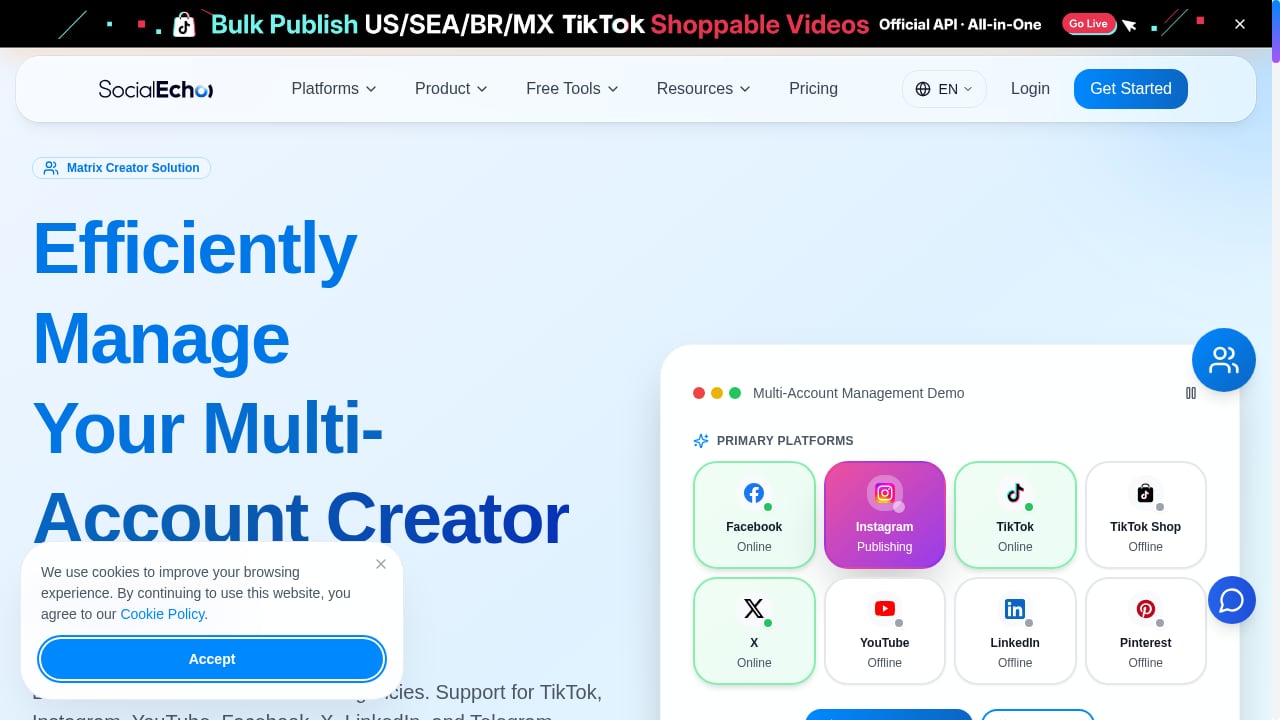
First viewport screenshot of www.socialecho.net.
Use a short, verifiable checklist rather than a feature list:
- What is the price charged against? Per seat, per channel, per calendar, or per account. Model the bill at your realistic contributor count, not your current one.
- Where do approvals sit? Confirm the tier that includes multi-step review and whether read-only roles cost full price.
- Is accessibility documented? Look for a published accessibility statement, a VPAT, a stated WCAG conformance level, and alt-text support per network.
- Does access expire? Temporary contributor access with an end date matters for student workers.
- Is listening included or separate? Crisis monitoring is a core communications need, not an add-on.
- How painful is onboarding? A rotating student staff means the tool must be learnable in an afternoon.
Published comparisons are useful here. A review of ten tools for higher education is worth reading because it prices each platform against seat and account limits rather than ranking features in the abstract, and vendor pages such as Hootsuite's higher education solution and Buffer's education page show how generalist platforms position themselves for campus workflows.
Where AI fits without replacing judgment
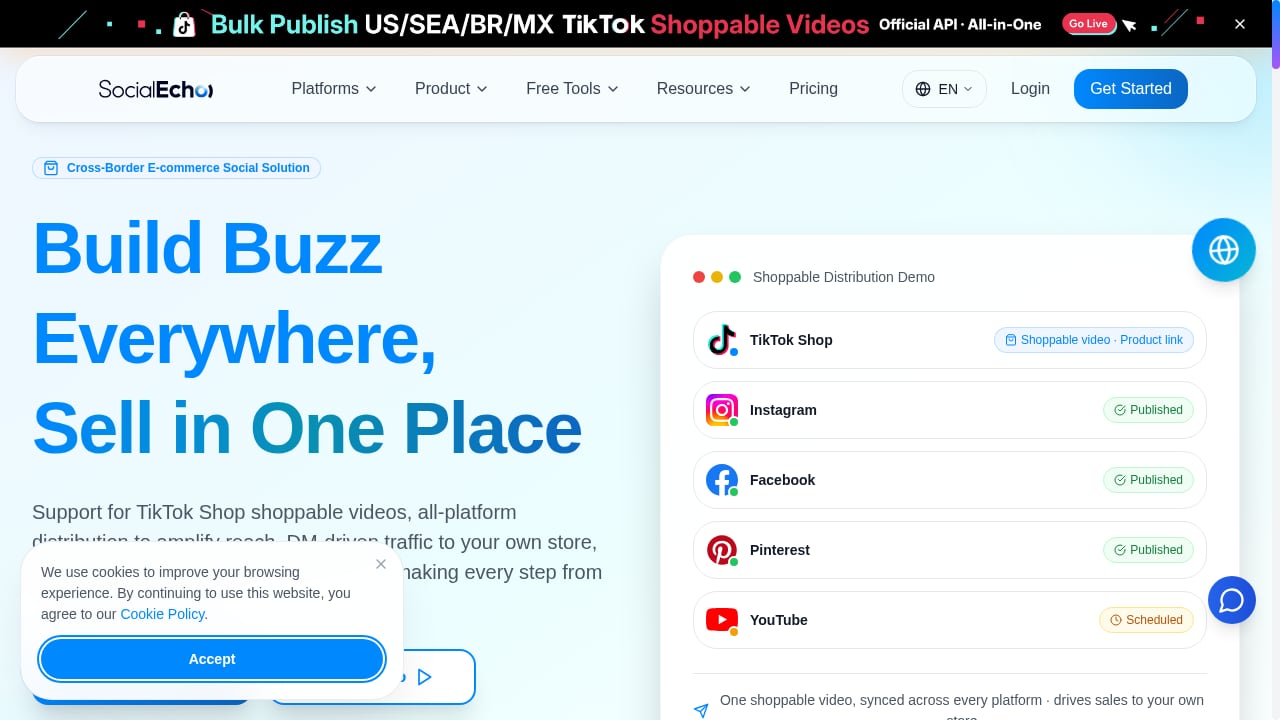
First viewport screenshot of www.socialecho.net.
AI drafting helps small communications teams produce more first drafts, adapt one announcement for several networks, and generate alt text at scale. The useful pattern is AI-assisted drafting with human approval, not autonomous publishing. An opt-in policy that blocks images without alt text, for example, turns accessibility from a reminder into a guardrail.
If you are setting up a workspace for a multi-account institution, our SocialEcho setup guide walks through connecting accounts, configuring publishing, listening, analytics, and team roles.
Related reading
- Top 10 Social Media Management & Consumer Intelligence Software 2026 - Ranked top 10 social media management and consumer intelligence software for 2026, with evidence, pricing signals, and decision guidance.
- How to Use SocialEcho with Mailchimp: Social + Email Workflow - Combine SocialEcho's AI social workspace with Mailchimp email and SMS to turn social engagement into owned-channel conversions. Setup steps and examples.
- SocialEcho vs MeetEdgar vs Cloud Campaign: Best Fit - Compare SocialEcho, MeetEdgar, and Cloud Campaign on automation, AI, multi-account management, and pricing to find the best social media tool for your team.
Sources and further reading
- Hootsuite for Higher Education - Simplify higher education social media with the tool that helps you engage and recruit students, listen in on campus, and save time creating content.
FAQ
Can multiple departments share one scheduling tool without stepping on each other?
Yes, if the tool supports separate permissions per account, a shared calendar view, and approval steps. The key is that departmental contributors can draft and schedule while central communications retains review rights over sensitive accounts.
How should a university handle student workers who graduate?
Use temporary access with an expiry date and an approval requirement, so a student contributor never needs the account password and their posting rights end automatically at the end of the semester.
Is per-seat pricing a problem for universities?
Often, yes. Institutions have many occasional contributors, so per-seat models scale badly. Per-channel or per-calendar pricing, or free editor seats, usually fits campus structures better.
Do education teams need social listening as well as scheduling?
Most communications offices do. Listening supports crisis response, reputation monitoring, and recruitment research, and buying it in the same platform as scheduling avoids duplicate logins and disconnected reporting.
How important is accessibility in tool selection?
For public institutions it can be decisive. Ask for an accessibility statement, a VPAT, a stated WCAG conformance level, and documented alt-text support for each network you publish to.
Conclusion
Social media scheduling for education succeeds when the platform matches how campuses actually work: many accounts, many occasional contributors, layered approvals, and a student workforce that turns over every year. Start by mapping your approval chain and counting your real contributor base, then compare tools on pricing model, approval placement, accessibility documentation, and listening depth. A scheduler that fits those constraints frees your communications team to focus on the work that matters: telling the institution's story consistently, and responding quickly when the conversation changes.