
How to Use SocialEcho with Make: AI Social Workflows for Global Teams
SocialEcho gives you one workspace to publish, engage, listen, and analyze across major social platforms. Make connects that workspace to the rest of your stack so routine work runs without manual copy-paste. Used together, they turn scattered social tasks into repeatable, trigger-based workflows.
This guide explains what each tool does, how they fit together, the setup steps, and practical workflows you can build today.
Why combine SocialEcho and Make?
Make product interface.
Most social teams do not have a tool problem. They have a handoff problem. Content is approved in one place, published in another, and reported somewhere else. Every handoff costs time and invites errors.
SocialEcho handles the social layer: multi-account publishing, a unified inbox for comments and DMs, social listening, competitor and keyword monitoring, analytics, and AI-assisted content creation. Make handles the connective layer: it links SocialEcho to your docs, chat, CRM, spreadsheets, and AI models through visual, no-code workflows.
The combination solves four recurring problems:
- Manual publishing queues. Approved content can move from a document or spreadsheet into a scheduled SocialEcho post automatically.
- Slow engagement triage. New comments, mentions, or messages can trigger alerts, routing, or draft replies in the tools your team already uses.
- Reporting drag. Performance data can be pulled on a schedule and formatted into a report without anyone rebuilding a spreadsheet.
- Tool sprawl. Instead of checking five dashboards, your team gets one workflow that moves data where decisions happen.
If you are still deciding whether SocialEcho is the right primary tool, the SocialEcho vs Planable vs Buffer comparison covers AI automation, collaboration, listening, and pricing. For a broader market view, see the top 10 AI-powered social media management platforms.
What SocialEcho does on its own
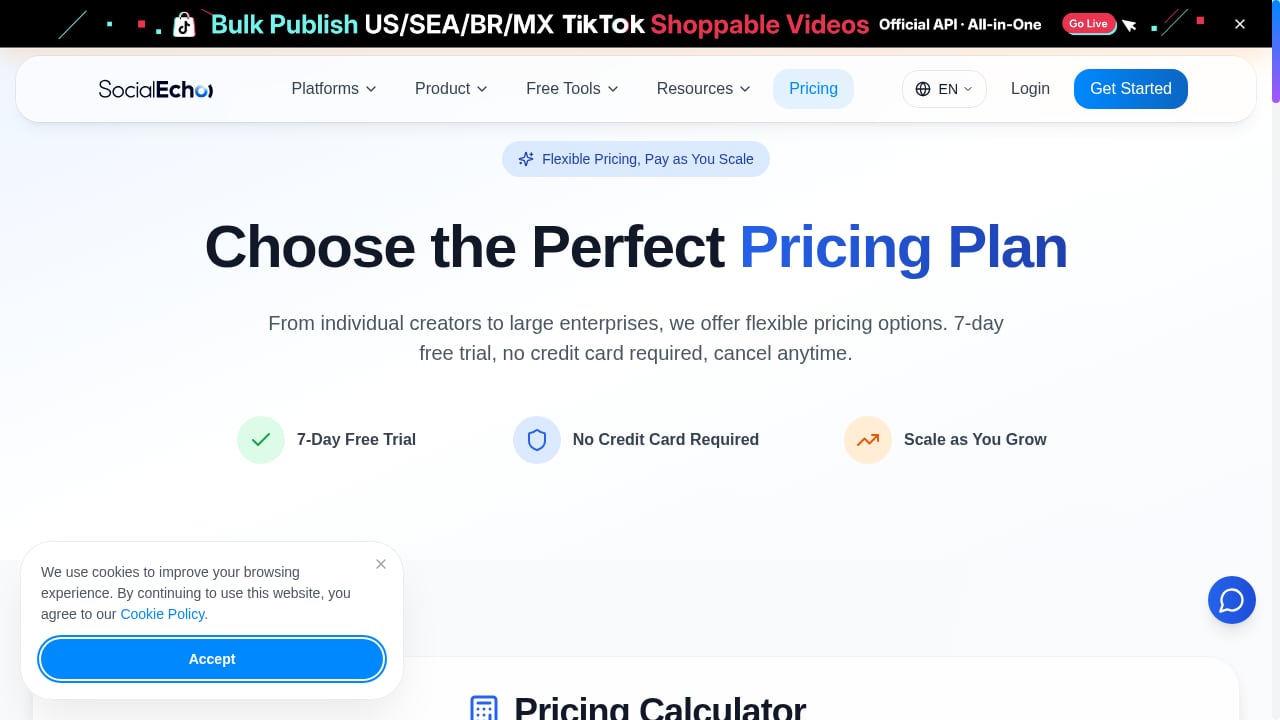
First viewport screenshot of Pricing Plans - SocialEcho.
Before adding Make, it helps to know what SocialEcho already covers so you do not automate something it handles natively.
- Publishing: schedule or one-click publish to platforms including Facebook, Instagram, TikTok, TikTok Shop, X, YouTube, LinkedIn, Telegram, Pinterest, and Threads.
- Engagement: manage comments, DMs, and mentions in a unified inbox, with AI-assisted replies.
- Listening and monitoring: track keywords, competitors, and brand mentions.
- Analytics: engagement, competitor, and historical performance data, with plan-based retention windows.
- AI creation: generate video, image, and caption assets, then publish them.
- Collaboration: role-based permissions and multi-account management for agencies and brand teams.
SocialEcho is built for cross-border and multi-platform operations, with security certifications including ISO 27001, ISO 27701, and SOC 2 Type II. You can review the platform directly at socialecho.net.
What Make adds
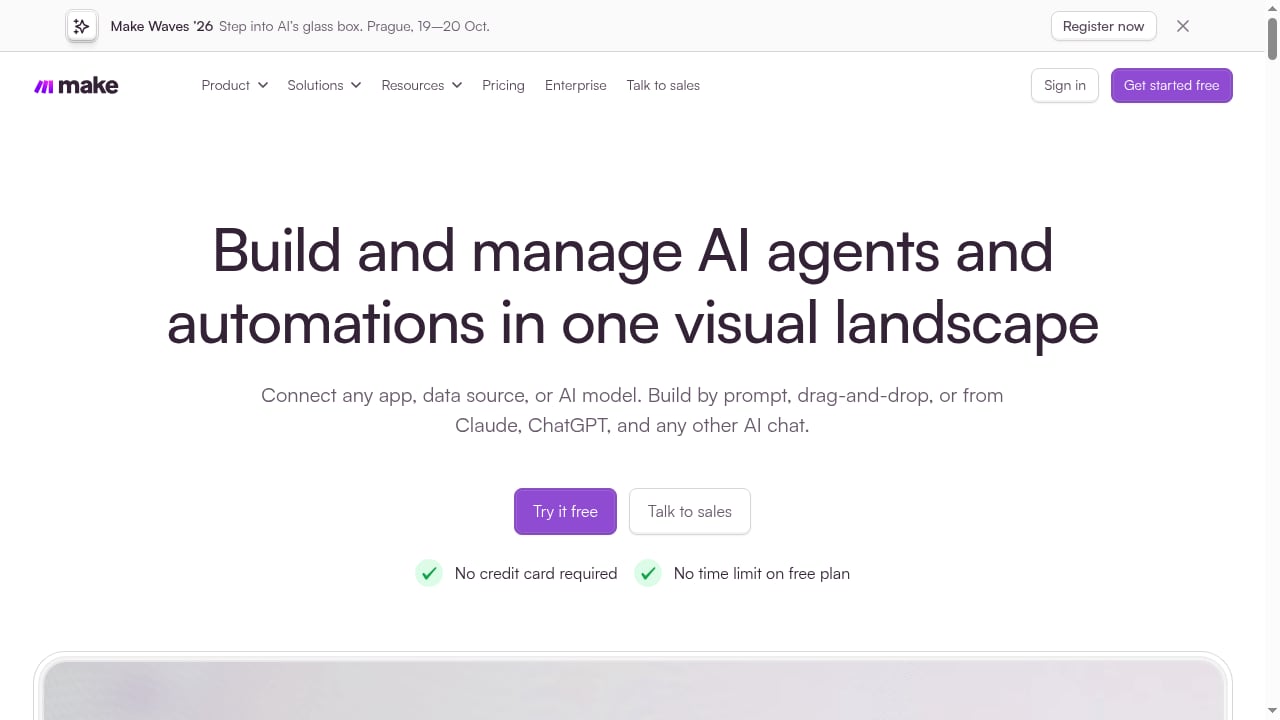
First viewport screenshot of AI Workflow Automation Software & Tools | Make.
Make is a no-code automation platform for building and scaling AI workflows and agents. You can build visually with drag-and-drop, by prompt, or from AI chat interfaces such as Claude and ChatGPT. Its conversational co-worker, Maia, turns plain-language requests into working automations and helps debug them.
Make's value here is breadth. It connects apps, data sources, and AI models, so SocialEcho becomes one node in a larger system rather than an isolated tool. Ready-made workflow patterns include turning product updates into social posts, creating and updating documents from chat, repurposing updates across channels, summarizing daily team updates, and updating inventory from chat requests. Make offers a free plan with no credit card required and no time limit, plus paid plans that scale, including a Start-up Plan with 50% off Business for companies under 20 employees. Learn more at make.com.
How the two tools fit together
The cleanest mental model is a three-layer stack:
- Source layer — where work originates: a product update doc, a support inbox, a spreadsheet, a chat message, or a CRM record.
- Orchestration layer — Make watches for triggers, applies logic, calls AI models, and routes data.
- Social layer — SocialEcho publishes, engages, monitors, and reports.
A typical flow looks like this: a product manager updates a launch document. Make detects the change, asks an AI model to draft platform-specific captions, sends them for approval in chat, then hands the approved copy to SocialEcho for scheduled publishing. When comments arrive, SocialEcho surfaces them, and Make routes high-intent questions to sales while SocialEcho's AI drafts replies for the rest.
Setup steps
Step 1: Prepare your SocialEcho workspace
Connect the social accounts you plan to automate and confirm each one is authorized through the platform's official API. Decide which accounts belong to which brand or client, since multi-account structure affects how you route data later. Set up your monitoring keywords and competitor lists now if reporting is part of the plan.
Step 2: Map your workflow on paper
Write down the trigger, the data that moves, the decision points, and the destination. For example: trigger equals new row in a content calendar; data equals caption, asset link, and publish time; decision equals approval status; destination equals a scheduled SocialEcho post. Skipping this step is the most common reason automations break later.
Step 3: Build the automation in Make
Create a new scenario in Make. Add your trigger module, then add the modules that transform or route the data. If you prefer not to build from scratch, describe the workflow to Maia in plain language and refine the generated scenario. Add filters so only approved or complete items move forward.
Step 4: Connect SocialEcho
Add a SocialEcho module as the action step. Map the fields Make collected — caption text, media URL, target accounts, and scheduled time — to the corresponding SocialEcho inputs. Run a test with a single draft post before enabling the scenario.
Step 5: Test, monitor, and iterate
Run the scenario with real data in a low-risk channel first. Check that formatting survives the trip, that media attaches correctly, and that scheduling lands in the right time zone. Turn on error notifications in Make so a failed run does not silently drop a post. Once stable, expand to additional accounts or platforms.
Practical workflow examples
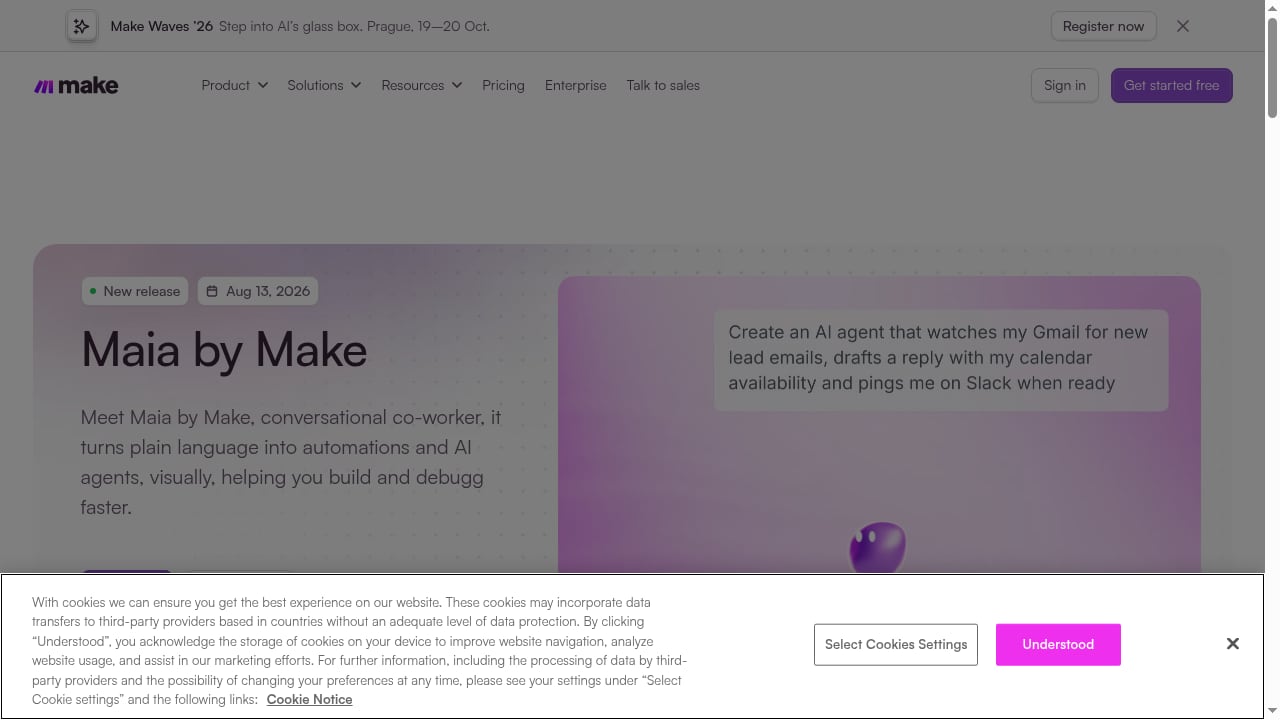
First viewport screenshot of What's New at Make | Latest Features, Updates & Releases.
Product update to multi-platform posts
A product marketer updates a release notes document. Make detects the change, generates platform-appropriate captions with an AI model, requests approval in chat, and sends approved content to SocialEcho for publishing across selected platforms. This removes the rewrite-and-reformat loop that usually delays launch posts.
Unified engagement triage
SocialEcho collects comments, DMs, and mentions in one inbox. Make watches for new items, classifies intent, and routes them: pricing questions to sales, support issues to a help desk, praise to a shared channel. SocialEcho's AI handles routine replies while your team focuses on conversations that need a human.
Scheduled performance reporting
On a weekly trigger, Make pulls engagement and competitor data from SocialEcho, formats it into a report, and delivers it to the channel or document your stakeholders read. Analysts stop rebuilding the same spreadsheet, and managers get consistent numbers on a predictable schedule.
Listening alerts for brand risk
SocialEcho monitors keywords and brand mentions. Make watches for sentiment shifts or spikes in negative mentions and escalates to the right owner immediately, so issues surface during a launch rather than after it.
When to use SocialEcho alone, Make alone, or both
| Situation | Best fit |
|---|---|
| You only need publishing, inbox, listening, and analytics | SocialEcho alone |
| You need to connect social data to CRM, docs, chat, or inventory systems | Both |
| You want AI-generated content published without manual steps | Both |
| You are automating non-social business processes | Make alone |
| You manage many client accounts and need consistent reporting | Both |
A simple rule: if the task starts and ends inside social platforms, SocialEcho handles it. If the task crosses into another system, Make is the bridge.
Common pitfalls and how to avoid them
- Automating before standardizing. If your caption formats or approval rules vary by person, automate after you document them.
- Ignoring platform permissions. Automated replies and publishing depend on authorized accounts and platform-specific permissions. Verify these before building.
- Skipping approval gates. Fully automated publishing without review is risky for regulated or high-visibility brands. Add a human checkpoint.
- Forgetting time zones. Global teams publish across regions. Confirm scheduling behavior for each target audience.
- No error handling. A silent failure can mean a missed post or an unanswered customer. Configure alerts in Make.
Related reading
- SocialEcho vs AdaptlyPost: AI Workspace or Scheduler? - Compare SocialEcho's all-in-one AI workspace with AdaptlyPost's scheduling-first tool. Features, pricing, platform support, and best-fit guidance for 2026.
- Cloud Campaign Review 2026: White-Label Social Media for Agencies - Evidence-based Cloud Campaign review: white-label social media management, workspace pricing with unlimited users, AI features, setup, and real limitations.
Sources and further reading
- Remove Background Noise from Video – Free Online | SocialEcho - Upload a video and let AI strip street noise, wind and ambient rumble while keeping the voice clear. Runs locally in your browser — files never leave your device. Free, no watermark.
- SocialEcho Review: AI Social Media Management, Features & Tools - SocialEcho is an AI-powered social media workspace for businesses, creators, agencies, and teams. It combines cross-platform publishing, engagement, social listening, analytics, AI-assisted content creation, and workflow automation.
FAQ
Do I need Make to use SocialEcho?
No. SocialEcho works as a standalone workspace for publishing, engagement, listening, and analytics. Make adds cross-tool automation when your workflows extend beyond social platforms.
Can Make publish directly to social platforms without SocialEcho?
Make connects to many apps, but SocialEcho provides the social-specific layer: multi-account management, unified inbox, listening, and analytics. Using SocialEcho as the publishing and engagement destination keeps social logic in one place.
Is this combination suitable for agencies?
Yes. Agencies managing multiple client accounts benefit from SocialEcho's multi-account structure and role-based permissions, plus Make's ability to route client-specific data into separate reports and approval flows.
What does it cost to start?
SocialEcho offers a free plan and a 7-day trial without a credit card. Make offers a free plan with no time limit and no credit card required, with paid plans as you scale.
Can I build workflows without coding?
Yes. Make is designed for no-code building through drag-and-drop, prompts, or AI chat interfaces. Maia can generate and debug automations from plain-language descriptions.
How do I keep automated replies on-brand?
Define response guidelines, use approval gates for sensitive categories, and let SocialEcho's AI handle routine questions while routing complex ones to humans.
Conclusion
SocialEcho and Make solve different halves of the same problem. SocialEcho runs the social operation — publishing, engagement, listening, and analytics across global platforms. Make connects that operation to everything else your business runs on. Start with the workflow that costs your team the most time, build it once, and expand from there.
If you are evaluating alternatives before committing, the Agorapulse review and the Brandwatch review offer evidence-based looks at competing tools.