
Loomly Review 2026: Social Media Management Tested
Loomly is a social media management platform built around a simple promise: help marketing teams plan, approve, publish, and measure social content without the usual spreadsheet chaos. It is not the flashiest tool in the category, and it does not try to be an all-in-one enterprise suite. Instead, it leans into collaboration workflows, a clean calendar, and enough analytics to keep small and mid-sized teams honest about what is working.
This review looks at what Loomly actually does well, where it falls short, what its pricing signals suggest, and how to decide whether it belongs in your stack.
What Loomly Is and Who It Is For
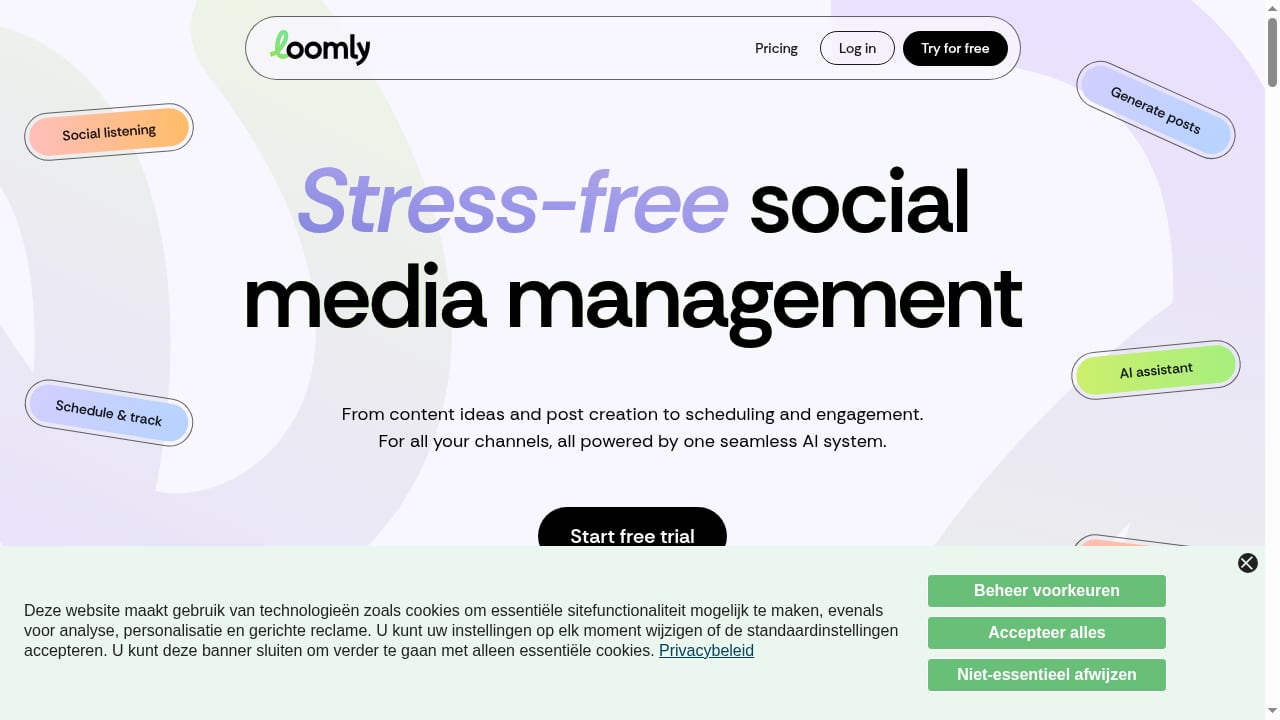
First viewport screenshot of Social Media Management Platform | Loomly.
Loomly positions itself as a collaboration-first publishing tool. The core loop is familiar: connect your social accounts, build posts in a shared calendar, route drafts through approvals, schedule them, and review performance afterward. The difference is in how much structure it adds around that loop.
Loomly tends to fit these users best:
- Small in-house marketing teams that need one shared calendar instead of scattered docs and chat threads.
- Agencies managing a handful of client accounts where approval trails and client-facing previews matter more than deep listening.
- Solo marketers or founders who want scheduling plus basic reporting without paying for an enterprise platform.
- Teams with light compliance needs that require a second pair of eyes before anything goes live.
It is a weaker fit for large enterprises that need social listening at scale, sophisticated AI content generation, or deep CRM integration. If those are non-negotiable, a broader platform is usually the better call.
Core Strengths
Collaboration and Approvals
This is Loomly's strongest card. Posts move through defined states, comments stay attached to the specific draft, and approvers can review without needing full editor access. For agencies, the ability to share a read-only calendar or post preview with a client reduces the back-and-forth that usually happens over email.
Publishing Workflow
The calendar view is clear and fast to scan. You can see gaps in your schedule at a glance, drag posts around, and reuse past content as a starting point. For teams publishing across several networks on a regular cadence, this is the feature you will touch every day.
Content Ideas and Inspiration
Loomly surfaces date-based ideas and trending topic suggestions inside the composer. These are not a substitute for a real content strategy, but they are useful when a calendar slot is empty and you need a reasonable starting point.
Analytics That Are Good Enough
Reporting covers the metrics most teams actually check: engagement, reach, clicks, and post-level performance. It is not a listening or sentiment platform, and it will not replace a dedicated analytics tool for complex attribution. But for answering "what should we post more of next month," it does the job.
Limitations and Trade-offs
- No serious social listening. If you need brand monitoring, sentiment analysis, or competitor tracking at scale, Loomly is not the tool. A platform like Brandwatch is built for that layer.
- Limited AI depth. AI-assisted features exist, but they are lighter than what AI-native platforms offer. Teams expecting automated content generation or predictive scheduling will be underwhelmed.
- Reporting ceiling. Custom report building is functional but not as flexible as dedicated analytics suites. Complex stakeholder reporting may still require exports and manual work.
- Platform support varies. Coverage across networks is solid for the major channels, but niche or regional platforms may not be supported.
- Scaling costs. As you add users and accounts, the per-tier jump can become noticeable for growing agencies.
Pricing Signals
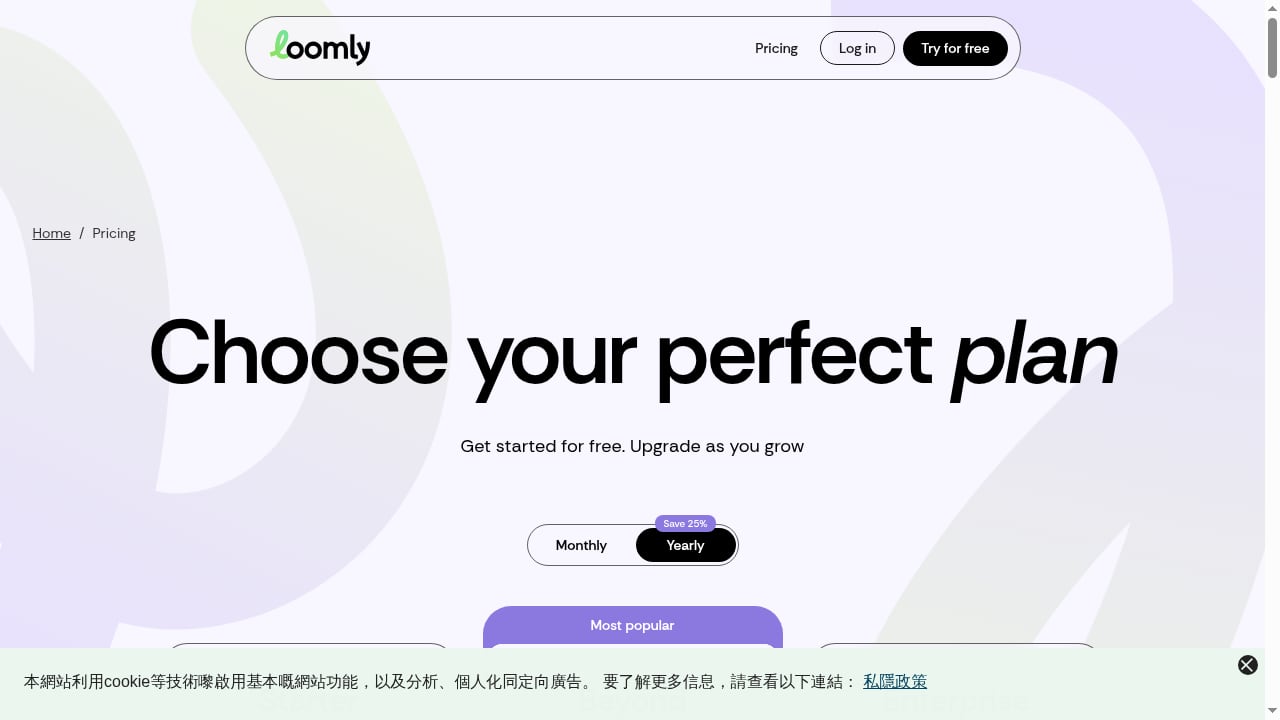
First viewport screenshot of Loomly Pricing & Plans for Social Media Management.
Loomly uses tiered subscription pricing, typically structured around the number of users and social accounts, with higher tiers unlocking more advanced features such as additional approvals, custom roles, and expanded analytics. Entry-level plans are aimed at individuals or very small teams, while mid and upper tiers target agencies and multi-brand operations.
A few practical signals to weigh:
- Per-user scaling matters more than the sticker price. A plan that looks cheap for two users can get expensive at ten.
- Account limits are the real constraint for agencies. Count how many client profiles you actually manage before choosing a tier.
- Annual billing usually reduces the monthly rate. If you are committed for a year, that discount is worth factoring in.
- Feature gating is real. Some collaboration and reporting capabilities sit behind higher tiers, so check the feature matrix against your workflow, not just the price.
For a broader view of how Loomly's pricing and feature mix compares with other tools, see this comparison of social media scheduling software.
Setup and Onboarding
Loomly is relatively quick to get running. The typical path looks like this:
- Create your workspace and connect social accounts through the platform's authentication flow.
- Set up your brand and calendar by adding profiles, time zones, and posting preferences.
- Invite team members and assign roles so approvers and editors see only what they need.
- Build your first posts using the composer, pulling in ideas or uploading media.
- Configure approval workflows if you need sign-off before publishing.
- Schedule and review performance after the first publishing cycle.
Most small teams can complete this in an afternoon. The main friction point is usually deciding on roles and approval rules up front, which is a process question rather than a product limitation.
How Loomly Compares to Alternatives
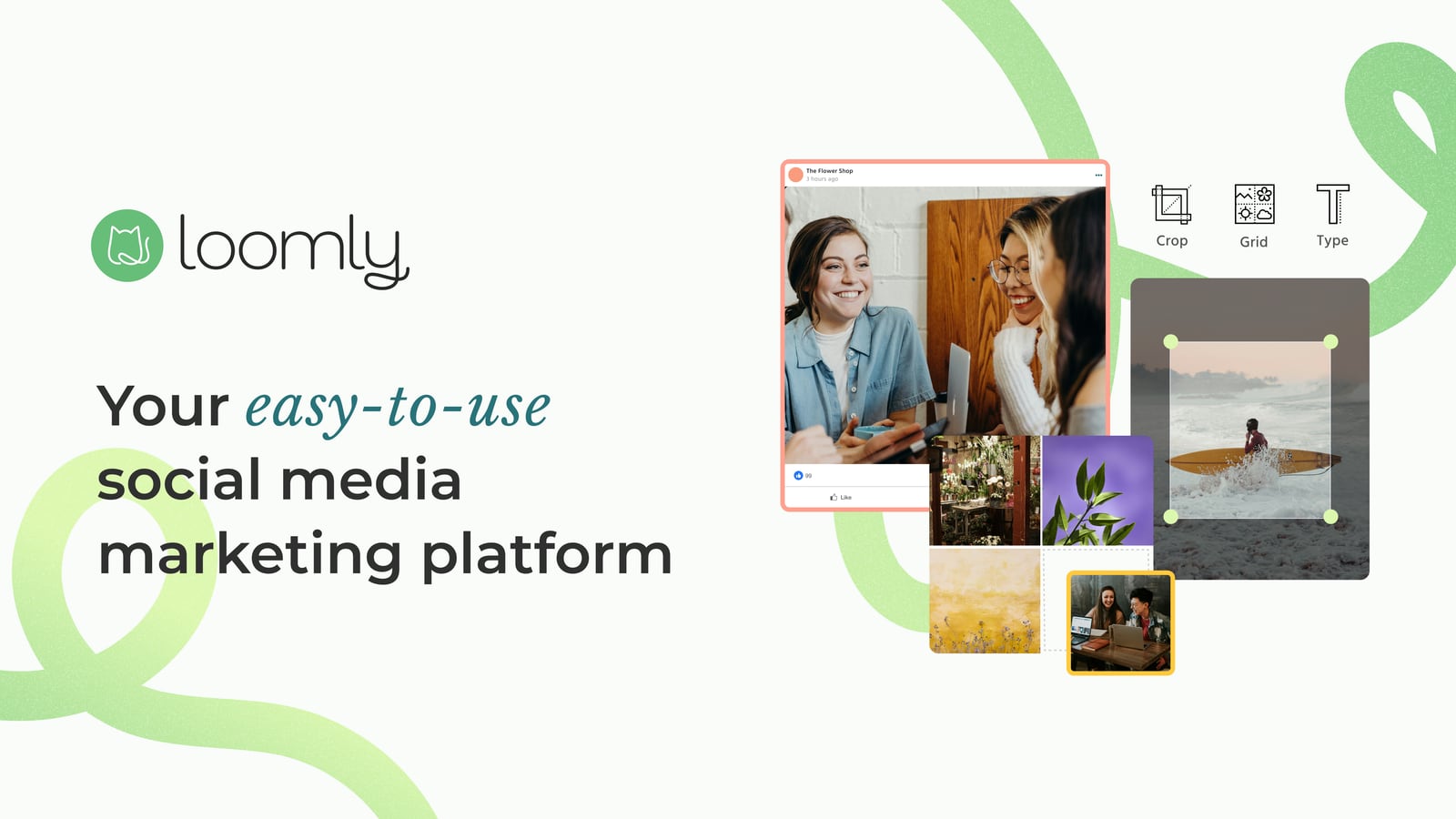
Social Media Management Platform | Loomly product interface.
The social media management category splits roughly into three groups:
- Collaboration-first tools like Loomly and Agorapulse, which prioritize publishing workflows, approvals, and inbox management.
- AI-native and enterprise platforms like Sprinklr, which add listening, AI automation, and customer experience layers on top of social.
- Creator and agency-focused tools that trade depth for speed and lower pricing.
If your pain is "our approval process is a mess," Loomly is in the right category. If your pain is "we cannot see what people are saying about our brand," you need a different category entirely.
Decision Criteria: Should You Choose Loomly?
First viewport screenshot of Loomly Case Studies.
Run through these questions before committing:
- Do you need formal approvals? If yes, Loomly's workflow is a genuine advantage.
- How many accounts and users will you manage in 12 months? Price the tier you will need then, not the one you need today.
- Do you need social listening? If yes, look elsewhere or plan to pair Loomly with a listening tool.
- How complex is your reporting? If stakeholders need custom dashboards, test the reporting module during a trial first.
- How important is AI automation? If it is central to your workflow, an AI-native platform will serve you better.
Related reading
- Top 10 AI-Native CXM Platforms 2026: Ranked & Reviewed - Compare the top 10 AI-native customer experience management platforms for 2026 on AI depth, channels, pricing signals, and limitations. Find your best fit.
Sources and further reading
- Loomly Reviews, Pros + Cons, and Top Rated Features - G2 - Loomly is an easy-to-use social media management platform that helps you manage every aspect of your social media marketing strategy: - Manage your brand ...
- Loomly for Social Media Management Honest Review - Watch Before Using - This video is about:▶ Loomly for Social Media Management Honest Review - Watch Before UsingUseful links: • Shopify for 1$ ▶ https://shopify.pxf.io/y2dy6b• Su...
- Loomly for Social Media Management Honest Review - Watch Before Using - This video is about:▶Loomly for Social Media Management Honest Review - Watch Before UsingLinks to other usefull products: Shopify - https://shopify.pxf.io/y...
FAQ
Is Loomly good for agencies?
Yes, particularly for small and mid-sized agencies that need client approvals, shared calendars, and clear post previews. It becomes less comfortable at large scale, where account limits and per-user pricing add up.
Does Loomly offer social listening?
No. Loomly focuses on publishing, collaboration, and analytics. For listening and sentiment analysis, you need a dedicated platform.
How long does Loomly take to set up?
Most teams can connect accounts and publish their first scheduled post within a day. Full workflow configuration, including roles and approvals, may take a bit longer depending on team size.
Is Loomly worth the price?
It depends on how much you value collaboration. If approvals and shared calendars save your team hours each week, the price is justified. If you mainly need scheduling and basic analytics, cheaper tools may cover you.
What is the biggest limitation of Loomly?
The reporting and listening depth. It is a strong publishing and collaboration tool, but it is not a full social intelligence platform.
Conclusion
Loomly earns its place as a dependable social media management platform for teams that live and die by their publishing calendar. Its collaboration and approval workflows are the reason to choose it, and its lighter analytics and absent listening layer are the reasons some teams outgrow it.
If your priority is getting the right post approved and published on time, Loomly is a sensible, low-drama choice. If your priority is understanding your audience at scale or automating content with AI, look at the broader platform options before you commit.