
Top 10 Social Media Scheduling Software Products 2026
Social media scheduling software does one core job: it holds your posts and publishes them at the right time. Everything else — analytics, inboxes, approval flows, AI drafting — is optional weight layered on top. That distinction matters in 2026, because the category has split into two camps: lean schedulers that charge by channel or profile, and full management suites that charge by seat and bundle listening, inbox, and reporting.
This review ranks ten products that genuinely belong to the scheduling category. We excluded AI-first management workspaces that position themselves as all-in-one platforms rather than schedulers. We also excluded tools that no longer resolve or have been absorbed into other products.
How We Evaluated These Tools
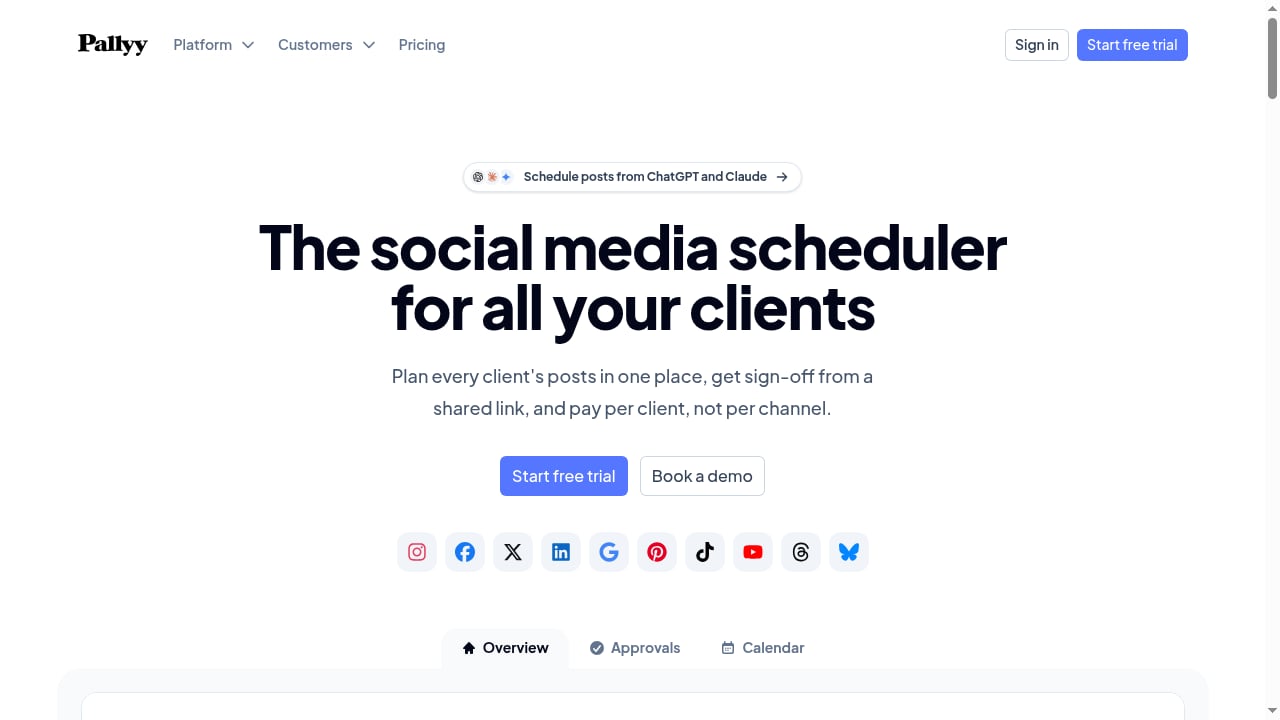
First viewport screenshot of The Social Media Scheduler for Agencies | Pallyy.
We did not run a full trial of every product. Instead, we compared each tool on criteria that actually change your monthly bill and daily workflow:
- Pricing unit: per channel, per profile, per seat, per workspace, or usage-based. This is the single biggest differentiator.
- Free plan limits: how many profiles, posts, and platforms you get before paying.
- Platform coverage and auto-publish: whether the networks you care about publish natively or send you a phone notification.
- Approval and collaboration: shared calendars, client review links, internal comments, and user permissions.
- Analytics depth: post-level metrics versus competitor tracking and paid-plus-organic reporting.
- Evidence base: vendor pricing pages, product documentation, and verified third-party reviews.
Where pricing is annual-billed, we say so, because the monthly rate is usually higher.
The Top 10 Social Media Scheduling Software Products for 2026
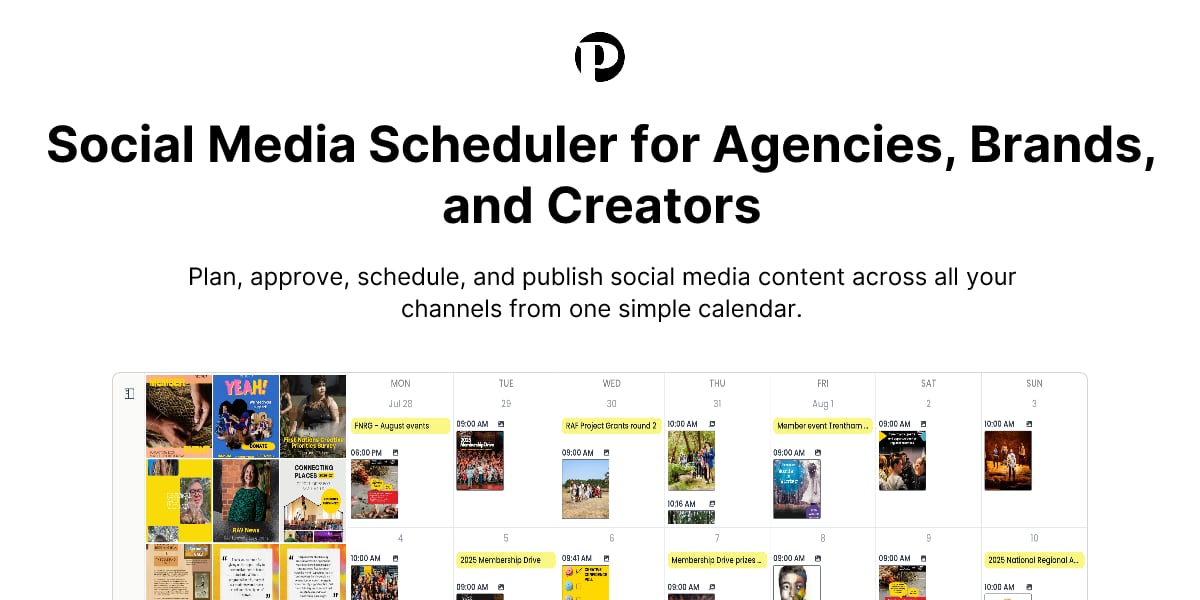
The Social Media Scheduler for Agencies | Pallyy product interface.
1. Buffer — Best for Simple, Predictable Scheduling
Buffer remains the clearest pricing model in the category: $5 per channel per month. Three channels cost $15, ten cost $50, and you can drop a channel the month you stop using it. The free plan connects three channels with ten scheduled posts each and refills, which is enough to run a small business account indefinitely.
Paid plans add unlimited scheduling, advanced analytics, and API access. The trade-off is collaboration: once more than one person touches the calendar, Buffer gets thin. Per-channel pricing also stops being cheap somewhere past eight channels.
2. Pallyy — Best for Client Approvals on a Budget
Pallyy starts at $15 per month for Starter and $25 for Pro, which adds unlimited posts, queue scheduling, a social inbox, link-in-bio pages, and client approvals. The free plan gives fifteen posts a month. The grid preview is the reason to pick it: if your Instagram feed layout is part of the job, Pallyy does it better than tools at four times the price.
The honest limit is that individual plans include one social set, so managing several brands pushes you to the agency tiers quickly. Analytics is basic. For agencies that need sign-off from a shared link and per-client billing rather than per-channel billing, Pallyy is a strong fit. If you want to see how it compares with AI-first management platforms, our SocialEcho vs Pallyy vs Dash Social comparison breaks down the trade-offs.
3. Planable — Best When Approvals Are the Bottleneck
Planable is built around review. Stakeholders see posts rendered as they will look live, comment inline, and approve. Pricing is $33 per workspace per month on Basic with sixty posts and four social pages, and $49 on Pro with 150 posts and ten pages. Unlimited users on both, and the first fifty posts are free with no time limit.
If your posts are late because someone has not signed off, Planable solves that specific problem better than almost anything else. If you do not need approvals, you are paying for a workflow you will not use.
4. Sprout Social — Best End-to-End Management
Sprout Social combines publishing, engagement, analytics, and team collaboration. Pricing starts at $79 per seat per month billed annually for Essentials, rising to $199, $299, and $399 per seat for higher tiers. Monthly billing is higher. It supports Facebook, Instagram, LinkedIn, TikTok, Pinterest, YouTube, Threads, and X, with social listening available as an add-on.
The Smart Inbox is the standout feature: comments, mentions, and private messages in one workspace with filters, tags, assignments, and automation. The trade-off is cost and complexity. For a small business that only needs straightforward scheduling, Sprout is overkill.
5. Later — Best for Instagram and TikTok Visual Planning
Later treats social media as more than a publishing queue. Starter is $18.75 per month billed yearly for one social set of eight profiles and thirty posts per profile. Growth at $37.50 doubles the sets, adds a social inbox, approvals, and 180 posts per profile.
The Visual Instagram Planner lets you rearrange scheduled posts on a grid and preview the feed before anything goes live. Best-time-to-post and trend forecasting are real differentiators. The limit: five AI credits a month on Starter runs out in a week, and extra social sets are not purchasable on that tier at all.
6. Metricool — Best Cheap Analytics Alongside Scheduling
Metricool's free plan covers one brand, twenty posts a month, five competitor profiles, and thirty days of analytics. Starter is from $20 per month for up to five brands with unlimited publishing and unlimited analytics history.
The reason to choose Metricool over Buffer is reporting. It covers organic and paid together, which almost nothing else does at this price. The catch: LinkedIn and X are excluded from the free plan, and X remains a paid add-on on Starter.
7. SocialPilot — Best Value for Agencies
SocialPilot is $17 per month billed annually for five accounts and one user. $34 gets you ten accounts, three users, and a social inbox. $85 adds client approval and white-label reports, and $170 covers forty accounts.
Extra accounts are $4 a month and extra users $5, so the plan scales in small steps rather than forcing a tier jump. For an agency running fifteen client accounts, this is usually the cheapest option that still looks professional in a client meeting. The interface is dated, and AI credits are metered per plan rather than unlimited.
8. Sendible — Best Affordable All-in-One
Sendible starts at $29 per month and nails the basics: scheduling, a unified inbox, and reporting across major networks. It is a reasonable middle ground for small teams that want more than Buffer but cannot justify Sprout Social pricing. The trade-off is that advanced analytics and some integrations sit behind higher tiers.
9. SocialBee — Best for Evergreen Content Recycling
SocialBee is $24.20 per month billed annually for five profiles, $40.80 for ten, and $82.50 for twenty-five across five workspaces. Unlimited AI content generation on every plan.
Instead of scheduling individual posts, you sort content into categories, set a weekly pattern per category, and SocialBee cycles through them. For evergreen content this is a genuinely different way to work. The setup cost is real, and the model only suits content that does not date. Anything with a price, a date, or a discontinued product in it will eventually embarrass you.
10. Postiz — Best Open-Source and Self-Hostable Option
Postiz is $29 per month for Standard with five channels and unlimited posts, and $39 for Team with ten channels and unlimited team members. The codebase is open, so you can host it yourself instead.
Unlimited team members at $39 is the standout. It also ships an API, webhooks, RSS auto-posting, and cross-posting, which suits anyone wiring scheduling into their own systems. It is a younger product than the incumbents, so network integrations break more often at the edges, and self-hosting means you own that maintenance.
How to Choose the Right Scheduler

First viewport screenshot of SocialEcho - All-in-One Social Media AI Workspace for Global Businesses.
The right tool depends on three questions:
- How do you want to pay? Per channel (Buffer), per profile (Pallyy, Later), per seat (Sprout Social), per workspace (Planable), or usage-based (Postiz). Match the billing unit to how your team actually grows.
- Do you need approvals? If clients or stakeholders must sign off before publishing, Planable and Pallyy are built for that. If not, you are paying for unused workflow.
- How deep does analytics need to go? Metricool covers organic and paid reporting cheaply. Sprout Social adds listening and reputation monitoring at a much higher price.
If your workflow extends beyond scheduling into AI-assisted content creation, engagement, and monitoring, an all-in-one workspace may complement your scheduler. For teams evaluating that adjacent category, our SocialEcho vs Planable vs Sprinklr comparison covers how AI automation and collaboration differ across platforms.
Related reading
- Sociality.io Review 2026: Pricing, MCP Layer & Real Limits - Hands-on Sociality.io review covering its MCP layer, credit pricing, dashboard features, setup, and who should choose it over other social tools.
- SocialEcho vs AdaptlyPost vs Sprout Social: 2026 Comparison - Compare SocialEcho, AdaptlyPost, and Sprout Social on AI automation, pricing, platform support, and analytics. Find the right social media management tool for your team.
Sources and further reading
- The 10 best social media management tools in 2026 - Social media is a powerful tool for small businesses. You can use it to find new customers, drive traffic to your website, and keep in touch with existing clients.
- 8 Best Social Media Schedulers I’ve Tested for 2026 - I tested eight social media schedulers for ease of use, supported platforms, analytics, collaboration, and value. Compare the best tools for every team.
- 14 Best Social Media Scheduling Software Tools for 2026 - Fourteen social media scheduling tools compared on live 2026 pricing, seat limits and Instagram auto-publish support. Free plans included.
Frequently Asked Questions
What is the best social media scheduling software for small businesses in 2026?
Buffer is the best starting point for most small businesses because of its free plan and predictable per-channel pricing. If you need visual planning for Instagram, Later is a stronger fit. If you need analytics alongside scheduling, Metricool offers more reporting at a similar price.
Which scheduler is best for agencies managing multiple clients?
SocialPilot offers the best value for agencies running many client accounts, with extra accounts at $4 per month and extra users at $5. Pallyy is better if client approvals and per-client billing matter more than raw account count.
Do I need a full social media management platform instead of a scheduler?
Only if you need unified inboxes, social listening, competitor monitoring, or AI-assisted content creation in the same workspace. If your primary job is planning and publishing posts, a dedicated scheduler is cheaper and faster to learn.
Which tools support Instagram auto-publish rather than notification-based posting?
Later, Pallyy, Buffer, Sprout Social, and Metricool all support native Instagram publishing on paid plans. Check the specific plan tier, because some tools restrict auto-publish to higher tiers.
Is there a free social media scheduling tool that is actually usable?
Buffer's free plan connects three channels with ten scheduled posts each. Pallyy gives fifteen posts a month. Metricool covers one brand with twenty posts a month. All three are usable for a single small account, but none scale to multiple brands without payment.
Conclusion
The social media scheduling category in 2026 rewards buyers who match the billing unit to their workflow. Buffer wins on simplicity, Pallyy and Planable win on approvals, Sprout Social wins on end-to-end management, and Metricool wins on cheap analytics. If you are evaluating how a scheduler fits alongside a broader AI-powered management workspace, our SocialEcho vs Hootsuite vs Sprinklr comparison covers the platform-level differences. Start with the free plan, test your actual publishing workflow, and upgrade only when a specific limit blocks you.