
How to Use SocialEcho with Make for AI Social Workflows
Managing social media across multiple platforms is time-consuming, especially for global businesses. SocialEcho provides an all-in-one AI workspace for publishing, engagement, listening, and analytics. Make is a no-code automation platform that connects apps and automates workflows. Together, they let you automate repetitive social media tasks, reduce manual work, and scale your operations without writing code.
This article explains how SocialEcho and Make work together, the setup process, practical examples, and the problems this combination solves.
Why combine SocialEcho and Make?
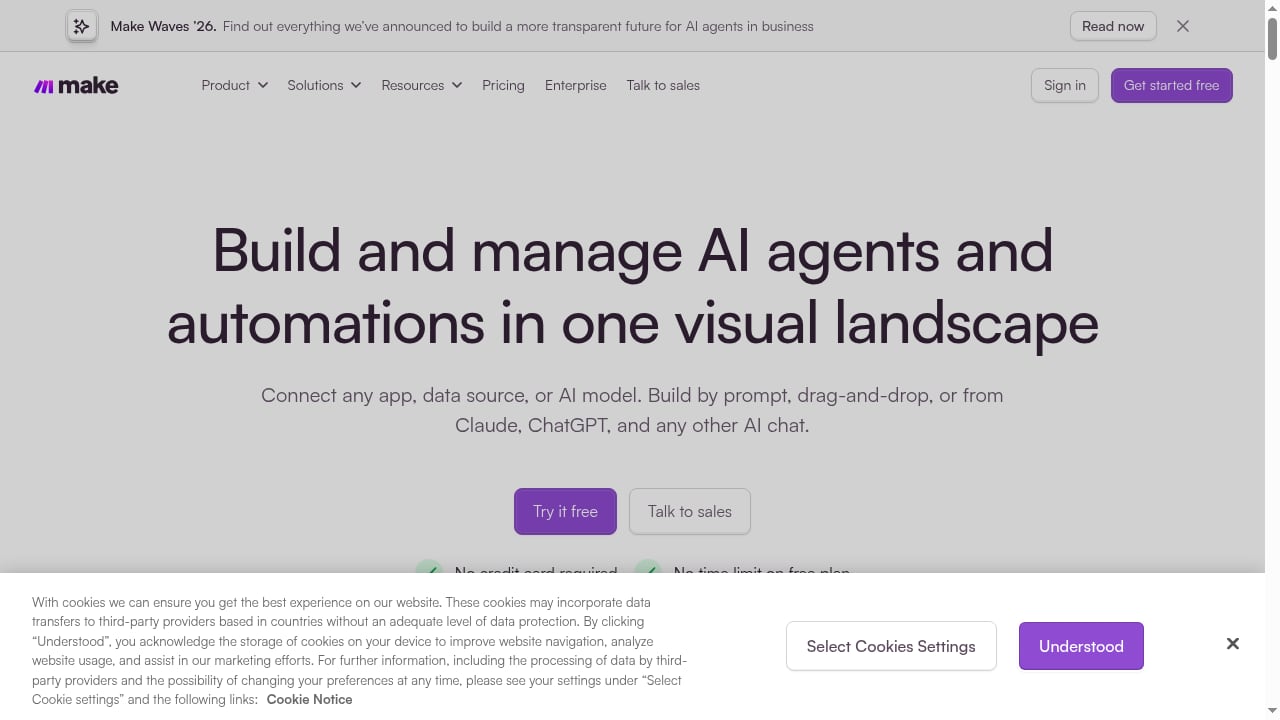
First viewport screenshot of www.make.com.
SocialEcho handles the core social media management tasks: scheduling posts, replying to messages, monitoring mentions, and analyzing performance. Make excels at connecting different tools and triggering actions based on events. By integrating them, you can automate workflows that span SocialEcho and other business systems—like your CRM, e-commerce platform, or project management tool.
For example, you can automatically create a SocialEcho post when a new product is added to your store, or send a Slack alert when a negative mention is detected. This reduces manual copying and pasting, ensures timely responses, and frees your team to focus on strategy and creativity.
How SocialEcho and Make work together
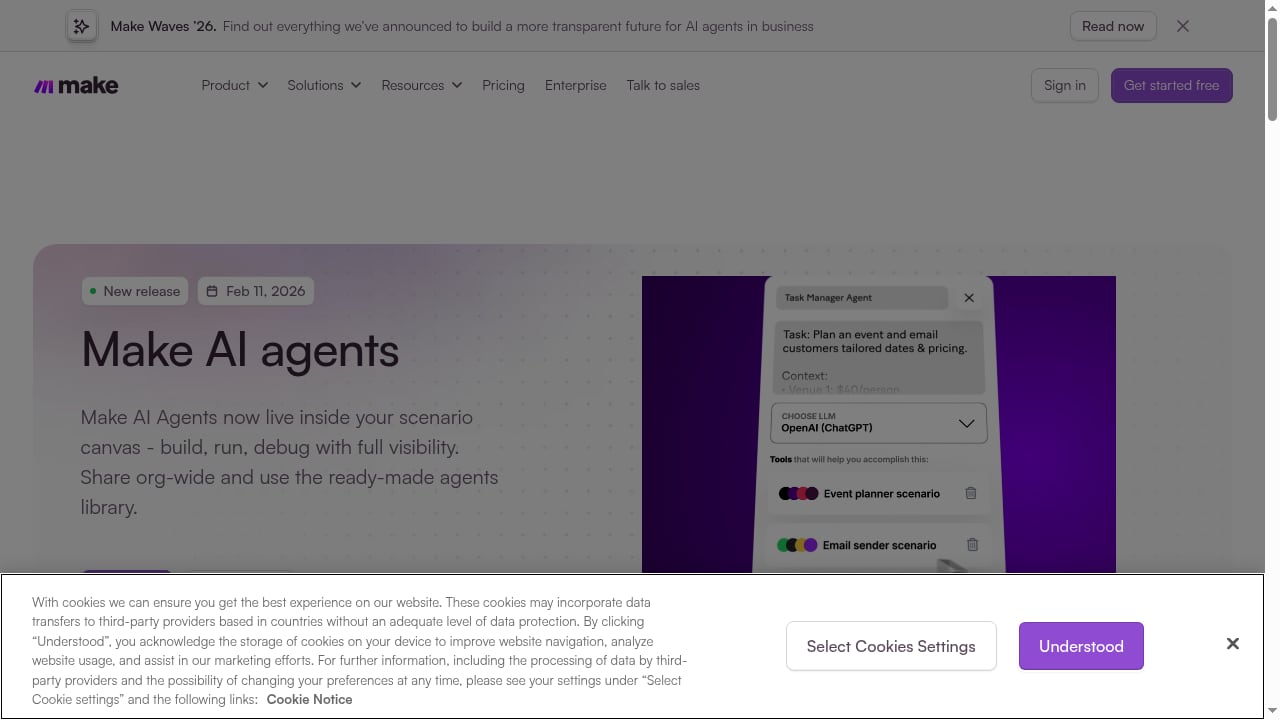
First viewport screenshot of www.make.com.
The integration typically works through SocialEcho's API or webhooks. Make provides modules for HTTP requests, webhooks, and scheduling, which you can use to interact with SocialEcho. You can also use Make's built-in apps for other services to trigger or receive data.
Key integration points:
- Publishing: Trigger a SocialEcho post from a new row in Google Sheets, a new product in Shopify, or a form submission.
- Engagement: When a new comment or DM arrives in SocialEcho, use Make to create a task in your helpdesk or send a notification.
- Listening: When SocialEcho detects a mention matching your keywords, log it in a spreadsheet or alert your team.
- Analytics: Periodically fetch SocialEcho analytics and append to a reporting dashboard.
Step-by-step setup

Make Logo.
1. Get your SocialEcho API credentials
Log in to SocialEcho and navigate to settings to generate an API key or set up a webhook. You'll need the endpoint URL and authentication details. Refer to SocialEcho's documentation for specifics.
2. Create a Make scenario
In Make, create a new scenario. Add a trigger module—for example, a webhook, a schedule, or an app like Google Sheets. Then add an HTTP module to call SocialEcho's API. Configure the request method, headers, and body according to SocialEcho's API reference.
3. Test and activate
Run the scenario manually to test. Check that SocialEcho receives the data correctly. Once verified, activate the scenario to run automatically.
Practical examples
Example 1: Auto-publish new blog posts to social media
Trigger: New item in an RSS feed or a new row in Google Sheets. Action: Use Make to send a POST request to SocialEcho's API to create a post with the blog title, link, and an AI-generated caption. SocialEcho then publishes to connected platforms at the scheduled time.
Example 2: Route negative mentions to a Slack channel
Trigger: SocialEcho webhook for new mentions containing keywords like "refund" or "complaint." Action: Make filters the mention sentiment (using AI or keyword rules) and sends a message to a Slack channel for the customer support team.
Example 3: Sync engagement metrics to a Google Sheet
Trigger: Scheduled daily run. Action: Make calls SocialEcho's analytics API to fetch metrics for all accounts, then appends rows to a Google Sheet for a custom dashboard.
Comparison: when to use SocialEcho alone vs. with Make
AI Workflow Automation Software & Tools | Make product interface.
| Scenario | SocialEcho alone | SocialEcho + Make |
|---|---|---|
| Basic scheduling and engagement | Sufficient | Overkill |
| Cross-app automation (e.g., CRM to social) | Not possible | Ideal |
| Complex conditional logic | Limited | Fully supported |
| Team notifications in Slack/Teams | Manual | Automated |
Use SocialEcho alone if your needs are confined to social media management. Add Make when you need to connect social media actions with other business systems or automate multi-step workflows.
Related reading
- SocialEcho vs NapoleonCat: AI Workspace for Global Teams - Compare SocialEcho and NapoleonCat: AI automation, publishing, listening, analytics, and pricing. See which social media workspace fits global businesses.
- Dash Social Review 2026: Features, Pricing & Fit - Evidence-based Dash Social review: brand-intelligent AI, enterprise workflows, pricing signals, setup, limitations, and who should choose it in 2026.
Sources and further reading
- How to Manage Multiple Social Media Accounts Without Losing Your Mind? The Method Cross-Border Teams Actually Use - One person, 10 social accounts, zero chaos. A day-by-day workflow: account grouping, batch scheduling, unified inbox, and OAuth safety - the method cross-border teams rely on.
- Remove Background Noise from Video – Free Online | SocialEcho - Upload a video and let AI strip street noise, wind and ambient rumble while keeping the voice clear. Runs locally in your browser — files never leave your device. Free, no watermark.
Frequently asked questions
Do I need coding skills to use SocialEcho with Make?
No. Make is a no-code platform with a visual builder. You configure modules and map fields; no programming required. Basic familiarity with APIs helps but is not mandatory.
Is there a cost for the integration?
SocialEcho offers a free trial and various plans. Make has a free tier with limited operations per month. Costs depend on your usage volume and the plans you choose.
Can I automate AI content creation?
Yes. SocialEcho's AI creation features can generate captions and visuals. You can trigger these via Make by sending prompts and receiving generated content through the API.
What if I need help?
Both SocialEcho and Make provide documentation and support. SocialEcho offers 24/7 live chat, while Make has a community forum and help center.
Conclusion
Combining SocialEcho's AI-powered social media workspace with Make's automation capabilities creates a powerful system for global businesses. It eliminates repetitive tasks, ensures timely responses, and connects social media with the rest of your tech stack. Start with a simple scenario, like auto-posting from a spreadsheet, and expand as you see results. For teams managing multiple accounts, this integration can save hours each week and improve consistency.
To explore more social media workflows, see our guides on SocialEcho vs Loomly vs RecurPost and PR team workflows. For a deeper listening setup, read How to Use SocialEcho with Mentionlytics.
External references: SocialEcho official site and Make's automation platform.