
How to Use SocialEcho with Zapier: AI Social Workflows
SocialEcho gives you an AI-powered workspace for publishing, engagement, listening, and analytics across 10 social platforms. Zapier connects that workspace to more than 9,000 other apps. Together, they let you trigger social actions from the tools your team already uses—without writing code.
This guide explains how the two products complement each other, walks through setup, and shows practical workflows you can copy.
Why combine SocialEcho and Zapier?

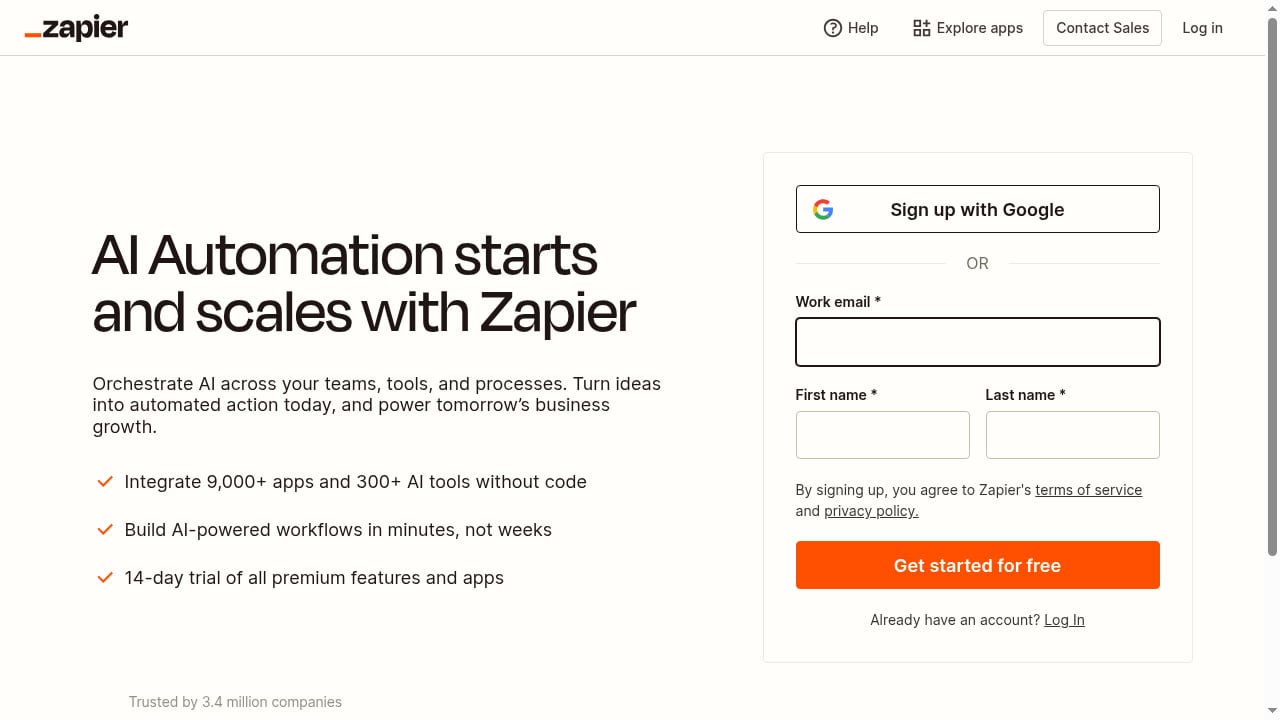
First viewport screenshot of zapier.com.
SocialEcho handles the social media layer: AI content creation, multi-platform publishing, unified inbox, monitoring, and reporting. Zapier handles the orchestration layer: it watches for events in other apps and moves data between them.
On its own, SocialEcho already automates a lot inside the social workspace. Zapier extends that reach outward. For example, you can turn a new row in a spreadsheet into a scheduled post, or send a high-intent comment from SocialEcho into your CRM as a lead.
Key idea: SocialEcho is the social execution engine. Zapier is the connective tissue that links it to your CRM, project management, e-commerce, and communication tools.
How the integration works
SocialEcho exposes a REST API with Bearer Token authentication. Zapier can call that API through a Webhook or Custom Action step. This means you do not need a native Zapier app to get started—you can build workflows today using SocialEcho's API endpoints.
What you can automate
- Publishing: Trigger a post when content is approved in another tool.
- Analytics: Pull post performance metrics into spreadsheets or dashboards.
- Monitoring: React to new mentions, comments, or competitor activity.
- Lead capture: Send high-intent social interactions to your CRM.
SocialEcho's API currently supports endpoints for team info, accounts, articles, reports, uploads, Pinterest boards, and TikTok Shop products. Publishing and analytics calls are live, and more endpoints are on the roadmap.
Setup: connect SocialEcho to Zapier

Zapier product interface.
Step 1: Get your SocialEcho API key
- Log in to your SocialEcho dashboard.
- Go to System Settings → Team Info → API Key.
- Generate a new key. It will look like
se_your_team_api_key.
Keep this key secure. Treat it like a password.
Step 2: Test the API
Before building a Zap, confirm your key works. You can use a tool like Postman or a simple curl command:
curl -X GET "https://api.socialecho.net/v1/team" \
  -H "Authorization: Bearer se_your_team_api_key"
A successful response confirms your authentication is correct.
Step 3: Create a Zapier workflow
- In Zapier, create a new Zap.
- Choose your trigger app and event (for example, a new row in Google Sheets).
- Add an action step. Search for Webhooks by Zapier and choose Custom Request.
- Set the method to
POSTand the URL to the SocialEcho endpoint you need, such ashttps://api.socialecho.net/v1/publish/article. - Add a header:
Authorization: Bearer se_your_team_api_key. - Map the fields from your trigger into the request body.
- Test the step and turn on the Zap.
That is the core pattern. Every SocialEcho automation in Zapier follows the same structure: trigger in another app, action via SocialEcho's API.
Practical workflow examples
Example 1: Approve content in Airtable, publish to social
Problem: Your content calendar lives in Airtable, but publishing requires manual copy-paste into SocialEcho.
Workflow:
- Trigger: New record in Airtable with status "Approved".
- Action: Zapier sends a POST request to SocialEcho's publish endpoint with the caption, media URL, and target accounts.
- Result: The post goes live or enters the scheduling queue automatically.
This removes the handoff between editorial and social teams.
Example 2: Send high-intent comments to your CRM
Problem: Sales-worthy conversations happen in social comments, but your CRM never sees them.
Workflow:
- Trigger: SocialEcho's AI Lead Capture tags a comment as high intent.
- Action: Zapier creates a lead in HubSpot or Salesforce with the comment text and profile link.
- Result: Sales follows up while the conversation is still warm.
SocialEcho's AI Lead Capture already scores and tags potential customers. Zapier makes sure that data reaches the people who can act on it.
Example 3: Weekly analytics report to Slack
Problem: Your team wants performance updates without logging into another dashboard.
Workflow:
- Trigger: Scheduled Zap every Monday at 9 a.m.
- Action: Zapier calls SocialEcho's analytics endpoint for the past week.
- Action: Zapier formats the results and posts a summary to a Slack channel.
- Result: Everyone sees impressions, engagement, and top posts without manual reporting.
Example 4: New product in Shopify, draft a social post
Problem: New products go live in your store but social promotion lags behind.
Workflow:
- Trigger: New product in Shopify.
- Action: Zapier sends the product name, description, and image URL to SocialEcho.
- Action: SocialEcho's AI generates platform-specific copy and creates a draft.
- Result: A human reviews and approves, then publishes.
This keeps humans in the loop while removing the blank-page problem.
Where Zapier adds value beyond SocialEcho's built-in automation
First viewport screenshot of zapier.com.
SocialEcho includes six AI assistants that handle rewriting, comment replies, DM management, post actions, engagement automation, and lead capture. These run inside the workspace.
Zapier is useful when the trigger or destination lives outside SocialEcho. Common cases:
- Cross-team handoffs: Content approved in Notion, Asana, or Monday.com.
- CRM sync: Leads from social comments into Salesforce, HubSpot, or Pipedrive.
- E-commerce: Product updates from Shopify or WooCommerce into social drafts.
- Reporting: Metrics into Google Sheets, Looker Studio, or Slack.
- Alerting: Monitoring events into email, SMS, or incident tools.
If your workflow starts and ends inside SocialEcho, use SocialEcho's native automation. If it crosses into other apps, Zapier is the bridge.
SocialEcho vs. Zapier: which tool does what?
| Capability | SocialEcho | Zapier |
|---|---|---|
| AI content creation | Yes—text, image, video | No |
| Multi-platform publishing | Yes—10 platforms | Via API calls |
| Unified inbox and auto-replies | Yes | No |
| Social listening | Yes | No |
| Cross-app orchestration | Via API | Yes—9,000+ apps |
| Workflow governance | Limited | Granular permissions |
They are complementary, not competing. SocialEcho owns the social layer; Zapier owns the orchestration layer.
Common problems the combination solves
- Tool sprawl: Teams juggle a scheduler, an inbox tool, a listening tool, and a reporting tool. SocialEcho consolidates the social side; Zapier connects the rest.
- Manual reporting: Copying metrics into slides wastes hours. Zapier automates the data pull.
- Slow lead follow-up: Social comments with buying intent get buried. Zapier routes them to CRM instantly.
- Publishing bottlenecks: Content sits approved but unpublished. Zapier triggers publishing the moment approval happens.
Best practices for reliable workflows
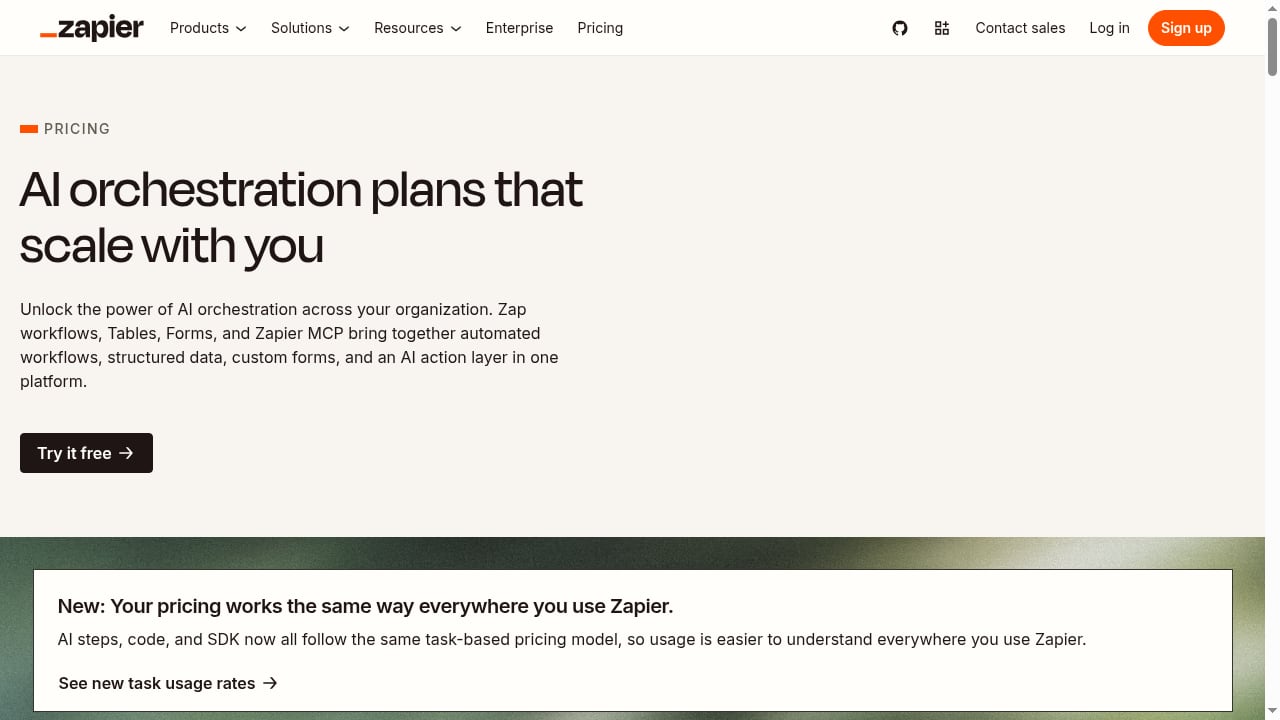
First viewport screenshot of zapier.com.
- Use a dedicated API key for Zapier so you can revoke it without affecting other integrations.
- Respect rate limits. SocialEcho allows 120 requests per minute per API key. Add filters to avoid runaway Zaps.
- Test with a single record before turning on a Zap.
- Log failures. Use Zapier's error handling to catch failed API calls and alert your team.
- Keep humans in the loop for publishing. AI drafts are fast; human review protects brand voice.
Related reading
- Iconosquare Review: Analytics-First Social Media Management - Evidence-based Iconosquare review: analytics depth, scheduling, listening, pricing signals, setup, limitations, and who should choose it in 2026.
- Drag-and-Drop Editor for Social Media: A Practical Guide - Learn how a drag-and-drop editor simplifies social media management, plus how SocialEcho's AI workspace streamlines publishing, engagement, and analytics.
FAQ
Do I need a paid SocialEcho plan to use the API?
Yes. API access requires a paid plan. You can generate your key from the dashboard after upgrading.
Can I use Zapier without writing code?
Yes. Zapier's Webhooks by Zapier step lets you send HTTP requests without code. You configure the method, URL, headers, and body fields in the interface.
Does SocialEcho have a native Zapier app?
Not yet. The integration works through Zapier's Webhook and Custom Action steps, which call SocialEcho's REST API directly.
What SocialEcho endpoints are available today?
Live endpoints include team info, accounts, OAuth links, articles, reports, uploads, Pinterest boards, and TikTok Shop products. Publishing is supported via POST /v1/publish/article. Comment and DM endpoints are on the roadmap.
Can Zapier trigger SocialEcho's AI content generation?
Zapier can send data to SocialEcho, but AI generation is triggered inside SocialEcho's workspace. A common pattern is to use Zapier to create a draft, then let SocialEcho's AI expand it before human review.
Is Zapier secure for social media data?
Zapier provides granular permissions and secure connections. SocialEcho uses Bearer Token authentication and is ISO 27001 and SOC 2 compliant. Review both vendors' security documentation for your compliance needs.
Conclusion
SocialEcho and Zapier solve different halves of the same problem. SocialEcho gives you an AI-native social workspace for creating, publishing, engaging, and listening. Zapier connects that workspace to the rest of your stack so data and actions flow automatically.
Start with one workflow—publishing from your content calendar or routing leads to your CRM. Once that runs reliably, expand. The combination turns social media from a manual chore into a connected, automated system.
To compare SocialEcho with other tools before you commit, see our SocialEcho vs. Hootsuite comparison or explore how to use SocialEcho with Make for an alternative automation platform. For a broader view of social media management options, read our SocialEcho vs. Brandwatch vs. Tailwind analysis.
Sources: