
Iconosquare Review: Is the Analytics-First Social Media Management Tool Worth It?
Iconosquare has built its reputation on a simple promise: put measurement before publishing. That positioning matters for social managers who are tired of scheduling posts into a void and guessing what worked. This review examines what Iconosquare actually delivers across analytics, publishing, listening, and reporting, where it falls short, and which teams should shortlist it in 2026.
What Iconosquare Is and Who It Serves
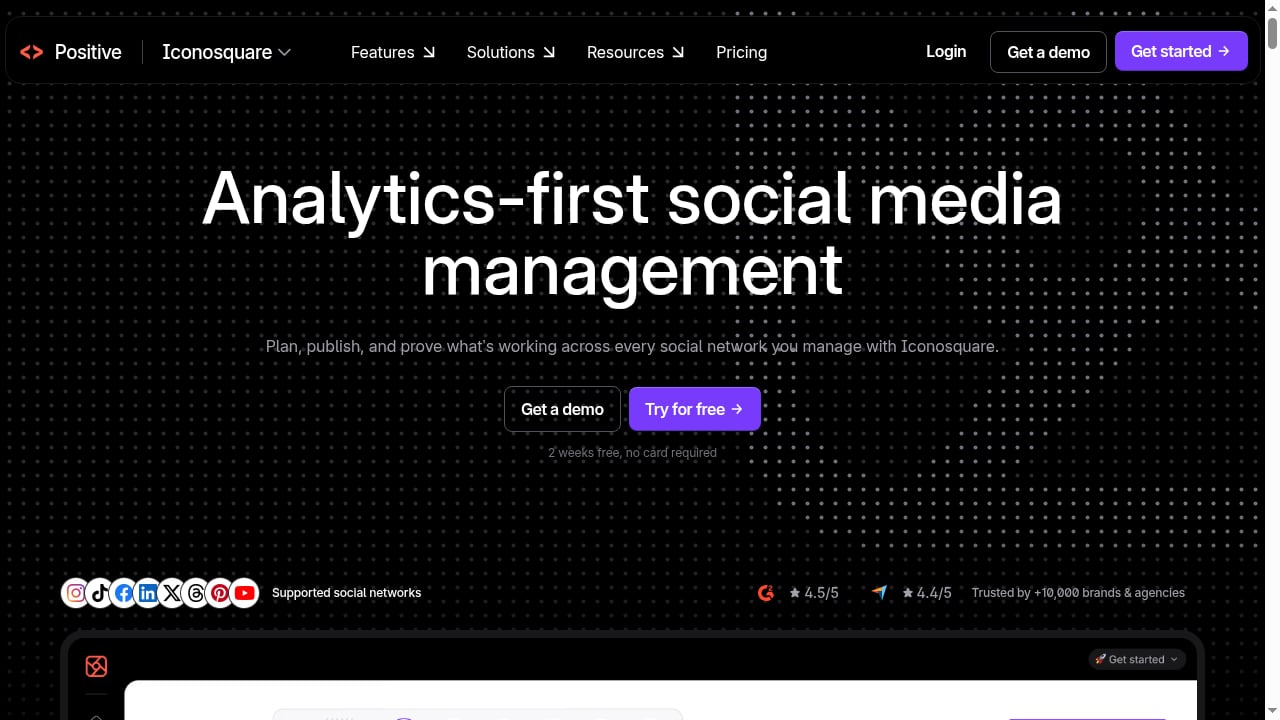
First viewport screenshot of iconosquare.com.
Iconosquare is a social media management platform that began as an Instagram analytics tool and expanded into scheduling, monitoring, listening, and reporting across multiple networks. Its core identity remains analytics-first: dashboards, benchmarks, and exports are the center of the product, with publishing and engagement tools built around that data layer.
The platform is aimed at social media managers, agencies, and in-house teams running several profiles at once. According to G2's product listing, it is positioned specifically for marketers who need analytics-led social management rather than a pure scheduling tool.
Ideal users
- Agencies managing multiple client accounts that need separate dashboards, approval workflows, and automated client reports.
- In-house social managers with three or more profiles who need cross-network performance comparison in one place.
- Analysts and strategists who care more about engagement rate, reach, and audience demographics than about posting volume.
- Teams that report upward regularly and need scheduled PDF, CSV, or XLS exports.
Less ideal users
- Solo creators publishing on one network who mainly need a fast scheduler.
- Teams whose primary channel is X (Twitter) engagement, since conversation management there is limited.
- Organizations that need deep social listening across forums, review sites, and the open web rather than social platforms.
Core Strengths: Where Iconosquare Earns Its Positioning
Iconosquare: Analytics-First Social Media Management Tool product interface.
Analytics depth and customization
The analytics module is the strongest part of the product. Reviewers consistently highlight customizable dashboards that can mix metrics from multiple networks, filter by date range, and be duplicated for different clients or campaigns. Post-level insights cover reach, impressions, engagement, video performance, and Stories completion, while audience modules break down demographics by age, gender, language, and country.
This matters in practice. If a client asks why reach dropped in a given month, you can compare posting frequency, format mix, and engagement per reach in the same view instead of stitching together screenshots from native apps.
Benchmarking and competitor context
Iconosquare lets you add competitor handles and compare follower growth, engagement per reach, and posting cadence against your own accounts. Industry benchmarks add a second reference point. For agencies, this turns a performance report into a competitive narrative rather than a raw metric dump.
Reporting and exports
Automated reports can be scheduled daily, weekly, monthly, or quarterly and delivered to stakeholders. Charts export as PNG or CSV. For teams that spend hours rebuilding monthly reports, this is often the feature that justifies the subscription on its own.
Publishing that is good enough to replace a separate scheduler
Scheduling covers Instagram, Facebook, TikTok, LinkedIn, Pinterest, X, and Threads, with a drag-and-drop calendar, cross-posting, saved caption and hashtag groups, media libraries, and approval workflows. It is not the most advanced publisher on the market, but for analytics-led teams it removes the need to pay for a second tool. If calendar usability is a priority for your team, our guide to drag-and-drop editors for social media covers what to look for.
AI assistance with a practical scope
The built-in AI can generate captions from a prompt or URL, rewrite in a different tone, translate, add hashtags, and suggest content ideas based on your activity and audience. It is a productivity layer rather than a strategy engine, but it reduces blank-page time.
Limitations and Trade-offs to Weigh
No review is useful without the caveats. Based on published hands-on reviews, these are the recurring weaknesses.
Platform depth is uneven
Instagram and Facebook receive the deepest analytics and monitoring support. Other networks are covered but with less granularity. Teams with a heavy LinkedIn B2B or Pinterest commerce focus should test those modules specifically during a trial rather than assume parity.
Conversation management is narrower than a true inbox
Monitoring combines listening feeds and comment management, but X replies and mentions are not fully supported in the conversations view due to API constraints. Teams that treat social as a customer service channel may need a dedicated engagement tool alongside Iconosquare.
Calendar and cross-posting friction
Reviewers have noted that upcoming posts are viewed per platform rather than in a single unified queue, and that cross-posting only works cleanly when post types match across networks. These are workflow annoyances rather than blockers, but they add clicks for high-volume publishers.
Listening is social-platform focused
Listening feeds cover mentions, hashtags, competitors, and industry benchmarks on social networks. If you need sentiment analysis across news, blogs, and forums, that is a different category of tool.
Occasional interface quirks
Smaller issues, such as link detection misreading punctuation during caption edits, have been reported. They are typically fixed over time, but they illustrate why a trial period matters.
Pricing Signals and Plan Fit
Iconosquare uses tiered subscription pricing that scales by the number of social profiles and features. Publicly reported structures generally follow this pattern:
- Entry tiers suit individuals or small teams managing a handful of profiles, with core analytics and scheduling.
- Mid tiers add more profiles, competitor tracking, and expanded reporting.
- Custom or agency tiers support larger profile counts, unlimited users, and advanced collaboration.
Exact prices change frequently and vary by billing cycle, so confirm current figures on the vendor's pricing page before budgeting. As a decision heuristic: if you manage three or more profiles and produce recurring client or executive reports, the analytics and reporting value usually outweighs the cost of a separate scheduler. If you manage one or two profiles, a lighter scheduling tool is likely more cost-effective.
Setup and Onboarding: What to Expect
Setup is straightforward and follows a predictable path:
- Connect social profiles through the platform's authorization flow. Profile limits depend on your plan.
- Configure dashboards by selecting widgets for follower growth, reach, engagement rate, and clicks. Build separate dashboards per client or brand.
- Add competitors and benchmarks by entering handles, then choose relevant industry comparisons.
- Set up the publishing calendar with time slots, saved caption groups, and hashtag lists.
- Define approval workflows and invite team members with appropriate roles.
- Schedule automated reports for stakeholders and test export formats.
Most teams can complete this in a few hours. The larger time investment is deciding which metrics belong on which dashboard, which is a strategy exercise rather than a technical one.
How Iconosquare Compares to Alternatives
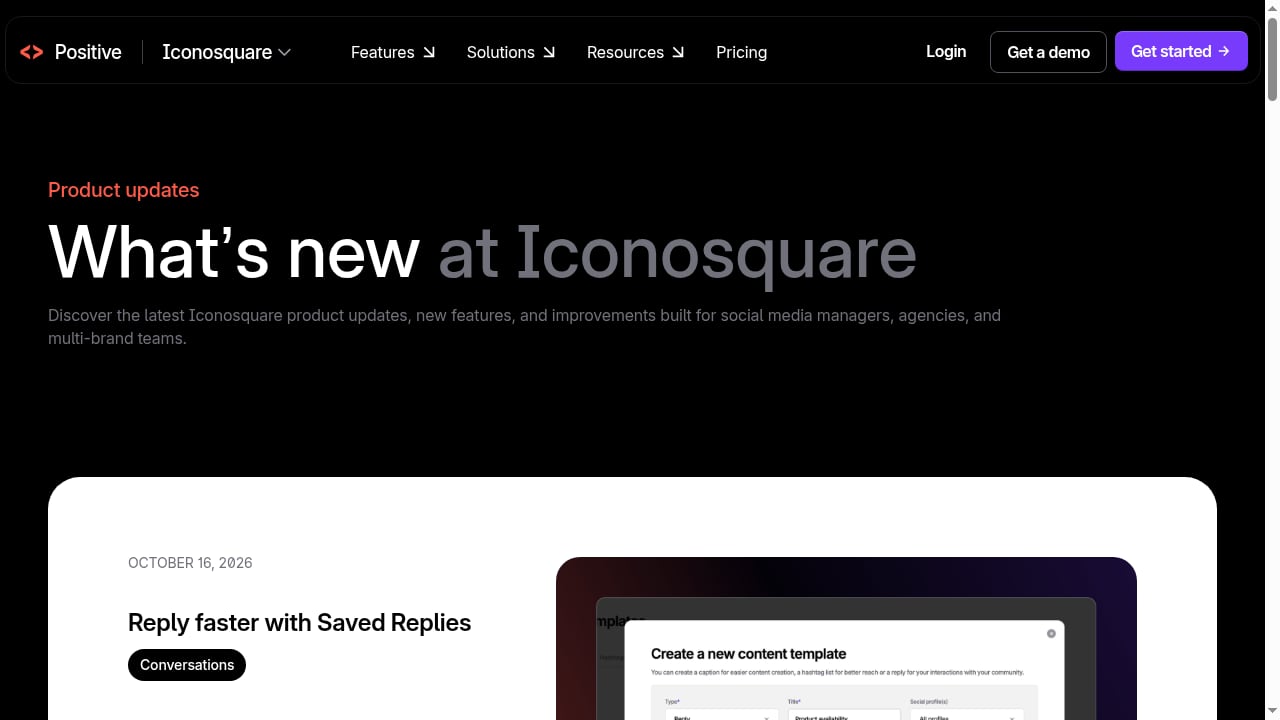
First viewport screenshot of iconosquare.com.
Iconosquare sits in a crowded field. The right choice depends on whether analytics, automation, or engagement depth is your priority.
- Versus all-in-one AI workspaces: Platforms that combine publishing, listening, and AI automation in a single workspace may suit teams that want fewer tools and more automation. See our comparison of SocialEcho vs Loomly vs RecurPost for how those trade-offs play out.
- Versus enterprise social suites: Tools built around brand intelligence and enterprise governance offer deeper competitive AI but at higher cost and complexity. Our Dash Social review covers that segment.
- Versus pure schedulers: If your main pain is calendar management, a dedicated scheduler will be simpler and cheaper. Our roundup of the top social media scheduling software ranks the main options.
A practical rule: choose Iconosquare when reporting quality and benchmark context are the deciding factors; choose an automation-led workspace when speed and cross-team workflows matter more.
Decision Criteria: Should You Choose Iconosquare?
Iconosquare: Analytics-First Social Media Management Tool product interface.
Use these questions as a checklist.
- Do you manage three or more profiles? If yes, the cross-network dashboard value increases significantly.
- Do you produce recurring reports? If reports go to clients or leadership monthly, automated exports are a strong differentiator.
- Is Instagram or Facebook your primary channel? If so, you will benefit from the deepest modules.
- Do you need a full engagement inbox? If social customer service is central, plan for a complementary tool.
- Is budget sensitive? Compare the total cost against a scheduler plus a separate reporting tool before committing.
- Do you need heavy automation? If AI-driven workflows and integrations are priorities, evaluate automation-first platforms as well.
Related reading
- Top 10 Autonomous Customer Experience (A-CX) Platforms for 2026 - Discover the top 10 Autonomous Customer Experience (A-CX) platforms for 2026, evaluated on AI autonomy, integration, analytics, and real-world fit.
- How to Use SocialEcho with Make for AI Social Workflows - Learn how to combine SocialEcho's AI social workspace with Make's no-code automation to streamline publishing, engagement, and reporting for global teams.
Sources and further reading
- Iconosquare Review 2025: Pros, Cons, Features, And More - Considering signing up for Iconosquare? Read this first. We're sharing everything you should know in this Iconosquare review...
- Iconosquare Review: Pricing, Features & Pros and Cons 2026 - Explore Iconosquare’s analytics, scheduling, AI tools and pricing. Learn the pros and cons to decide if this social media management platform fits you.
FAQ
Is Iconosquare good for beginners?
It is approachable for beginners who want to learn analytics, but the depth is aimed at professional social managers. Solo creators may find it more than they need.
Does Iconosquare support TikTok and LinkedIn?
Yes. Analytics and publishing coverage extends beyond Instagram and Facebook, though the deepest functionality remains on Meta platforms.
Can Iconosquare replace a dedicated social listening tool?
Partially. It covers mentions, hashtags, competitors, and industry benchmarks on social networks, but it is not a full media-monitoring platform.
Does Iconosquare offer a free trial?
Yes, a trial period is typically available. Use it to test the specific networks and reporting formats your team depends on.
Is Iconosquare suitable for agencies?
Yes. Separate dashboards, approval workflows, unlimited users on higher tiers, and automated client reports make it a strong fit for agency reporting.
Conclusion
Iconosquare earns the analytics-first label. Its dashboards, benchmarks, and automated reporting are the reason teams choose it, and its publishing and AI features are competent supporting acts. The trade-offs are real: uneven depth across networks, limited X conversation management, and calendar friction for high-volume publishers.
For social managers running three or more profiles who need to prove performance and report consistently, Iconosquare is a credible shortlist candidate. For teams prioritizing automation, engagement depth, or budget simplicity, compare it against the alternatives above before committing.